Customer support often starts in a simple way. A contact form sends emails to your inbox, you reply manually, and everything seems manageable. Then the site grows. More customers arrive, more questions come in, and soon support becomes scattered across email threads, admin notifications, Slack messages, and WooCommerce order notes. At that point, the real issue is not just answering faster. It is creating a support system your team can actually manage.
For website owners, creators, course builders, membership businesses, and community operators, the best way to manage customer support inside WordPress is to centralize everything in a dedicated help desk system that runs within your WordPress environment. That gives you one place to track conversations, assign work, manage response times, and keep customer history connected to the website itself.
This matters because WordPress is often already the center of the business. It holds your users, your products, your content, your memberships, and your transactions. When support lives somewhere else, teams waste time switching between tools and customers get inconsistent experiences. A WordPress-native support setup reduces that friction and helps small teams operate with much more control.
Why managing support inside WordPress matters
A lot of businesses outgrow contact forms before they realize it. Forms are useful for collecting incoming requests, but they are not designed to handle queues, agent assignment, follow-ups, priority levels, or long-term customer history. Dedicated help desk plugins exist because support needs structure. The WordPress plugin ecosystem reflects that, with established help desk tools all built specifically to turn WordPress into a customer support system.
The main advantage of keeping support inside WordPress is ownership. With a self-hosted support setup, your tickets and customer communication stay tied to your own site and infrastructure rather than being locked inside a separate SaaS platform. Awedesk promotes self-hosting and data ownership, and states that with its WordPress plugin you control the data on your own site.
That is especially useful for businesses that sell courses, run memberships, manage WooCommerce stores, or operate communities. In those cases, support is rarely separate from the website. Customers may need help with account access, billing, subscriptions, orders, content access, or private community areas. Keeping support inside WordPress makes it easier to connect those interactions to the actual user account and site activity.
The best model: a true help desk inside WordPress
The best setup is not just “add a contact form and hope for the best.” It is a proper support workflow with five core elements:
1. A shared inbox for all requests
Support should not depend on one person’s mailbox. A shared inbox ensures that tickets are visible to the whole team, can be assigned, and do not disappear when someone is unavailable.
2. Ticket ownership and assignment
Once requests increase, every conversation needs a clear owner. Otherwise two people answer the same ticket, or worse, nobody answers it.
3. Customer history tied to the website
Your support team should be able to see relevant context without hunting through plugins and external systems. If the customer is a member, buyer, student, or subscriber, that context matters.
4. Statuses, priorities, and internal workflows
Good support is partly about response quality, but it is also about operational discipline. Teams need ways to separate urgent issues from normal requests and move tickets through a defined process.
5. Scalable communication
The system should work for one person today and five or ten agents later. That means avoiding pricing or tooling models that become painful as the team grows.
This is where Awedesk stands out as a practical option for WordPress site owners. It is designed to integrate directly into WordPress, supports multiple inboxes, includes departments, offers Slack integration, and has a dedicated mobile app for agents. It features a single-view application experience and support workflows built specifically for customer communication management.
What to look for in a WordPress support platform
Not every WordPress help desk plugin is the right fit. Some are useful for basic ticketing, while others are better suited for businesses that need operational control.
WordPress-native setup
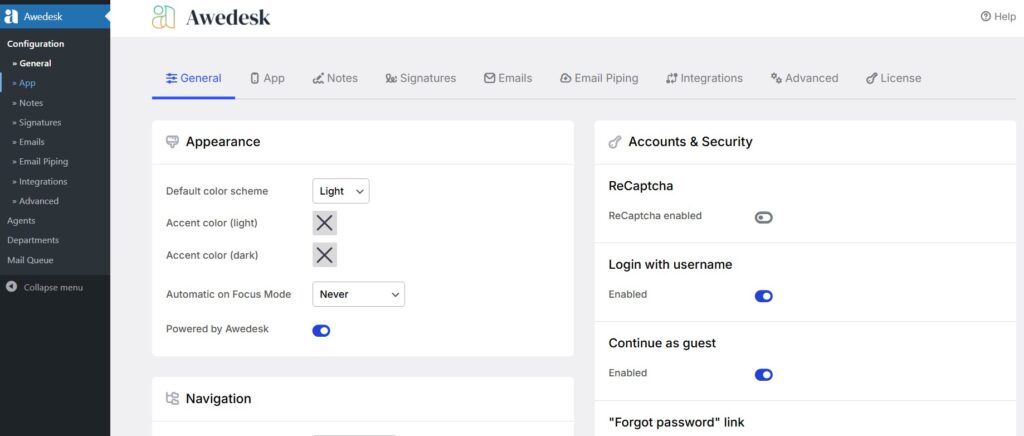
The first thing to check is whether the platform actually fits into WordPress cleanly. Awedesk’s installation happens like a normal plugin, after which you create a support page using the Awedesk shortcode or block. That is a straightforward model for site owners who want support available directly within their WordPress environment.
Multiple inboxes and departments
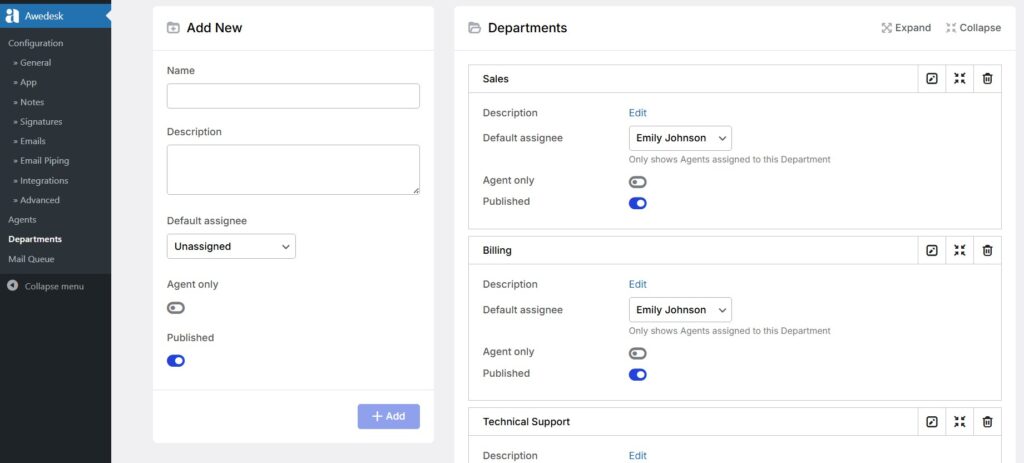
As soon as support requests come from more than one channel or team, structure matters. Sales questions, technical support, billing, and partner inquiries should not all land in one bucket. Awedesk has multi-inbox and departments as core features, which is useful for businesses with different support streams or teams.
Agent mobility
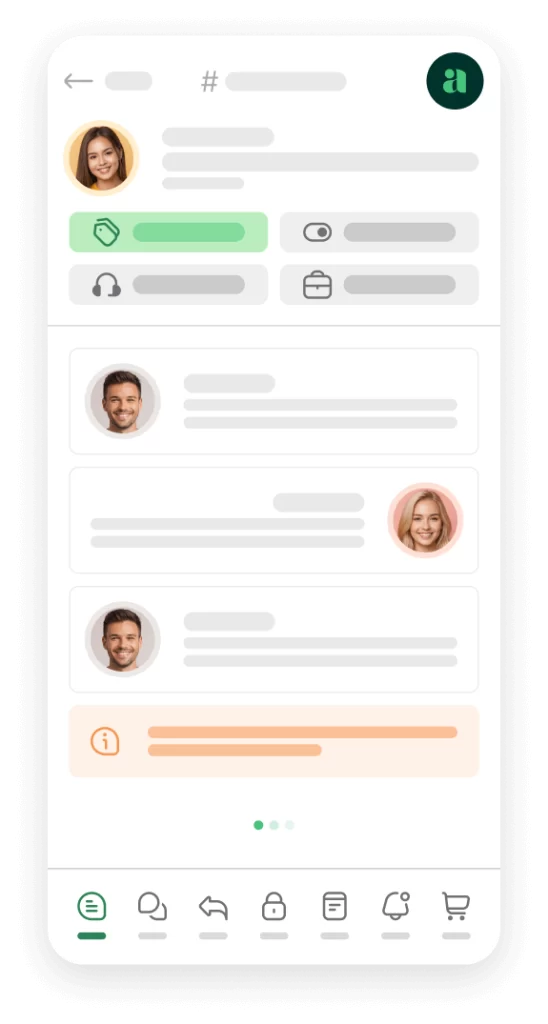
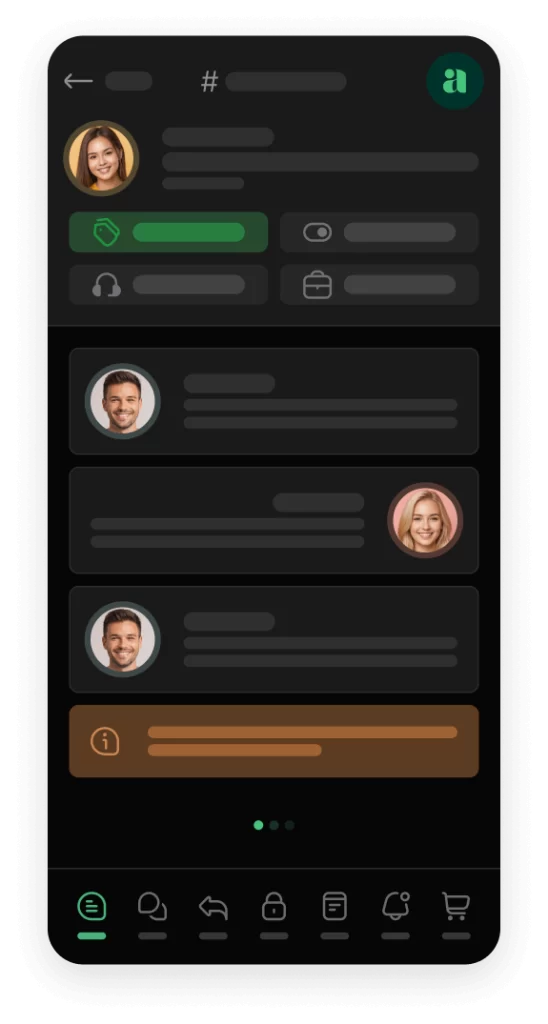
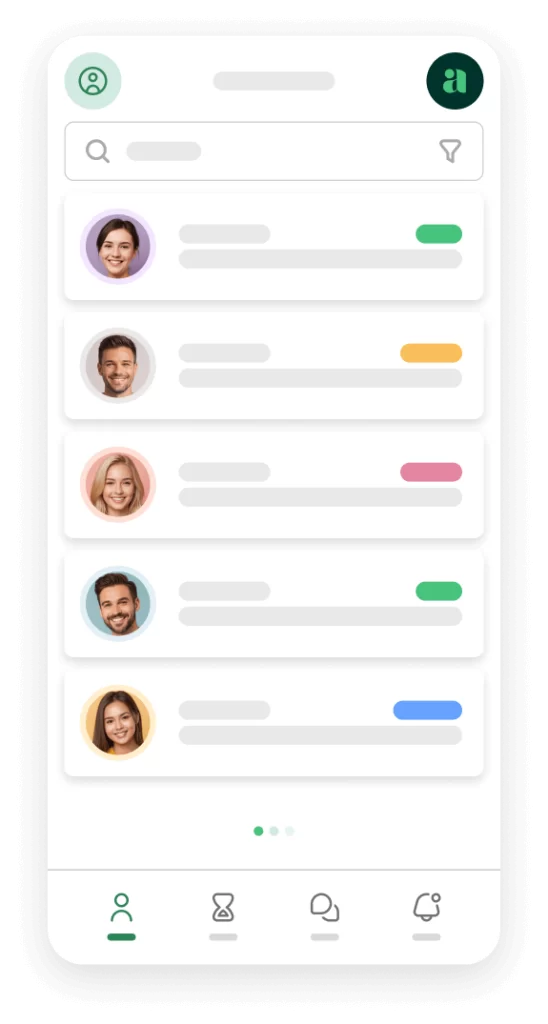
This is one area where many WordPress ticketing tools feel limited. Awedesk features its mobile app for agents, including push notifications. That matters because support work does not always happen while someone is on the site.
Awedesk App
All the bells & whistles of our platform can be easily accessed on mobile, any and all of your Agents can handle any issue on the go.




Slack and workflow integrations
Support teams rarely live in one tool. Awedesk highlights integrations on its site, including Slack integration as part of its positioning. For many growing teams, Slack notifications or workflows reduce missed tickets and improve visibility across the business.
Pricing that scales sensibly
Many SaaS help desks become expensive as the number of agents grows. That is why WordPress-based support platforms remain attractive. For businesses already invested in WordPress, a platform with predictable pricing and no per-agent or per-ticket constraints can be more sustainable over time. Awedesk’s pricing and positioning emphasize transparent options and the WordPress plugin model where the system becomes part of your own site infrastructure.
Why Awedesk is the best practical solution for many WordPress businesses
For most WordPress site owners, the challenge is not finding any support tool. It is finding one that fits the way WordPress businesses actually operate.
External platforms like Zendesk, Help Scout, Freshdesk, HubSpot, and Pylon can be powerful, but they add another layer of software, another dashboard, and often another pricing structure that scales with seats or usage. For businesses whose customers already live inside WordPress, that extra separation can create more complexity than value.
Awedesk takes a more direct approach. It is built to work with WordPress, it keeps the support environment close to your website operations, and it focuses on practical team workflows like multiple inboxes, departments, ticket handling, and mobile agent access. Its setup is not overly complicated, which matters for non-developers who want a support desk without turning the site into a custom project.
Another important advantage is control. Businesses that want full ownership of their support environment often prefer WordPress-native tools because they avoid unnecessary dependency on an external SaaS stack..
There is also the issue of team growth. A WordPress business may start with one founder answering tickets and later add support staff, moderators, community managers, or sales assistants. In that stage, predictable pricing and a system without per-agent or per-ticket pressure becomes more attractive. That is one reason Awedesk is a strong practical alternative in this category.
Step by step: how to manage support properly inside WordPress
Start by replacing email chaos with a ticket system
If your current setup depends on Gmail, Outlook, or a simple contact form, your first move should be turning incoming requests into trackable tickets. That creates accountability. Every request gets a status, department and an owner.
A proper help desk also reduces the “did anyone answer this?” problem that email-based support teams constantly run into.
Create separate support paths
Not every request belongs in the same workflow. At minimum, most businesses should separate:
- Technical support
- Billing or account issues
- Pre-sales questions
- General inquiries
Awedesk’s multi-inbox and departments features are useful here because they let you organize requests by function rather than forcing the entire company into one generic queue.
Make support visible to the right users
With Awedesk, you only need to create a page for the support interface using its shortcode or block, with different views for admins and site users. That is a practical model because it lets customers access support directly on the site while staff manage tickets through an appropriate agent view.
This is especially useful for membership and course sites. Customers already log into WordPress for access. Letting them submit and review support tickets in the same environment reduces confusion.
Build response rules and internal ownership
Once support is centralized, define rules. Who handles billing? Who handles product bugs? What should be answered first? What counts as urgent? A support tool helps, but the process matters just as much.
A simple internal framework often works best:
new tickets are triaged first, urgent account issues are prioritized, technical problems are assigned to product specialists, and routine questions are answered from saved knowledge or templates.
Use automation carefully
Automation is useful, but too much of it creates frustration. Use automation to acknowledge receipt, route requests, and close resolved tickets after a set period. Awedesk includes cron-based automation options such as automatically closing tickets after a defined delay, which is a practical feature for keeping queues clean.
Automation should support human clarity, not replace it.
Final thoughts
The best way to manage customer support inside WordPress is to stop treating support as a loose collection of emails and forms and start treating it as a structured operational system. WordPress businesses need shared visibility, ticket ownership, customer context, and workflows that scale as the team grows.
That is why a dedicated WordPress help desk is the right model, and why Awedesk is one of the strongest practical choices for businesses that want full ownership, direct WordPress integration, predictable scaling, multiple inboxes, Slack integration, and a dedicated agent app. While other WordPress help desk plugins can cover basic ticketing, Awedesk is particularly well suited for teams that want support to feel like part of the business rather than a disconnected add-on.
If your website is already the center of your customer experience, your support system should live there too.