-
·
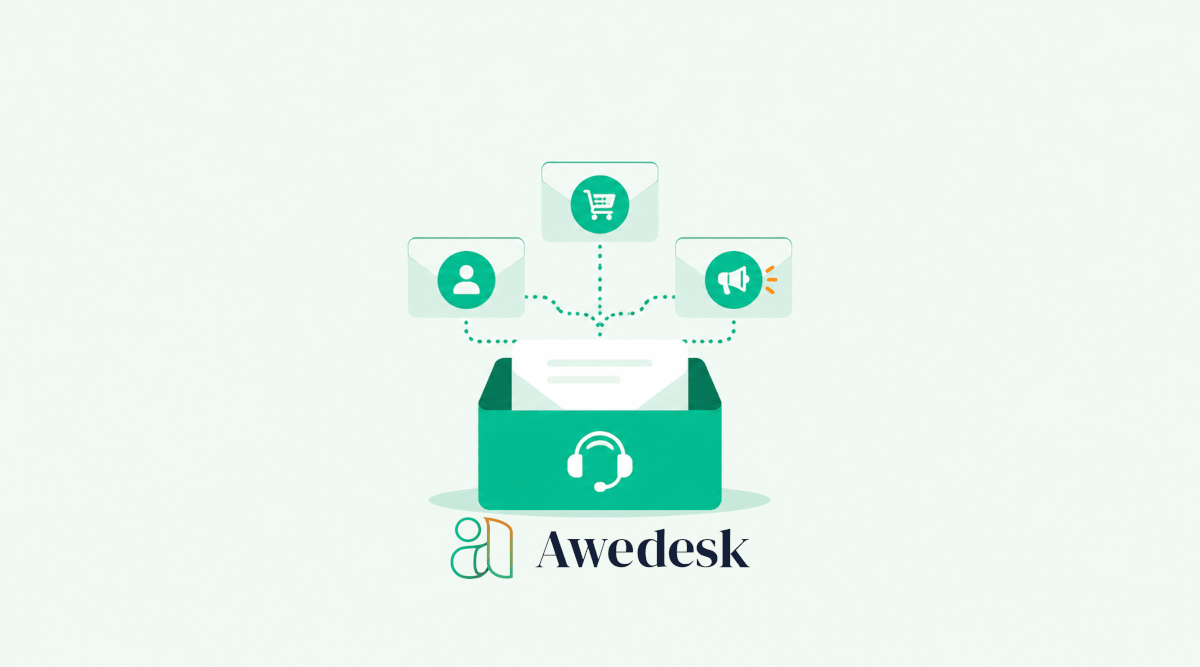
How to Use Multiple Inboxes in Awedesk for Better Support Workflows
Customer support becomes messy when every request lands in the same place. A billing question sits beside a technical issue. A WooCommerce order problem gets mixed with a membership access request. A community moderation concern arrives in the same inbox as a pre-sale question. At first, this looks manageable. Then the team grows, the site…
-
·
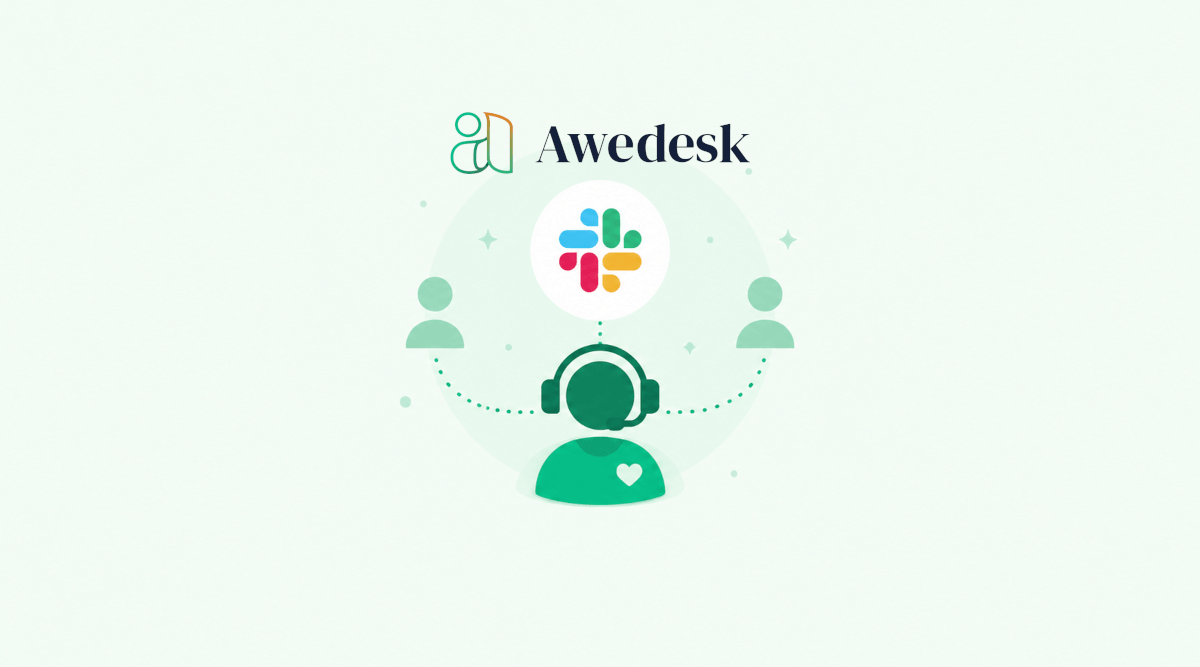
How Slack Integration Speeds Up Internal Support Collaboration
Support teams rarely lose time because they do not care about customers. They lose time because the right person does not see the right issue quickly enough. A customer submits a ticket. The support agent needs input from billing. Billing needs a developer to confirm a bug. The developer asks for more context. Someone checks…
-

·
How the Awedesk Mobile App Helps Agents Stay Responsive
Customer support does not always happen at a desk. Agents step away from their computers. Store owners travel. Course creators answer members between calls. Community managers often need to check urgent requests while handling other parts of the business.
-

·
Why Unlimited Agents and Tickets Matter for Growing Support Teams
Growing support teams usually hit the same wall at the same time. The business is getting more customers. More people are asking questions. More orders, memberships, courses, downloads, renewals, bug reports, refund requests, and onboarding questions are flowing into the support inbox. At first, this feels like a good problem. Then the cost of support…
-
·
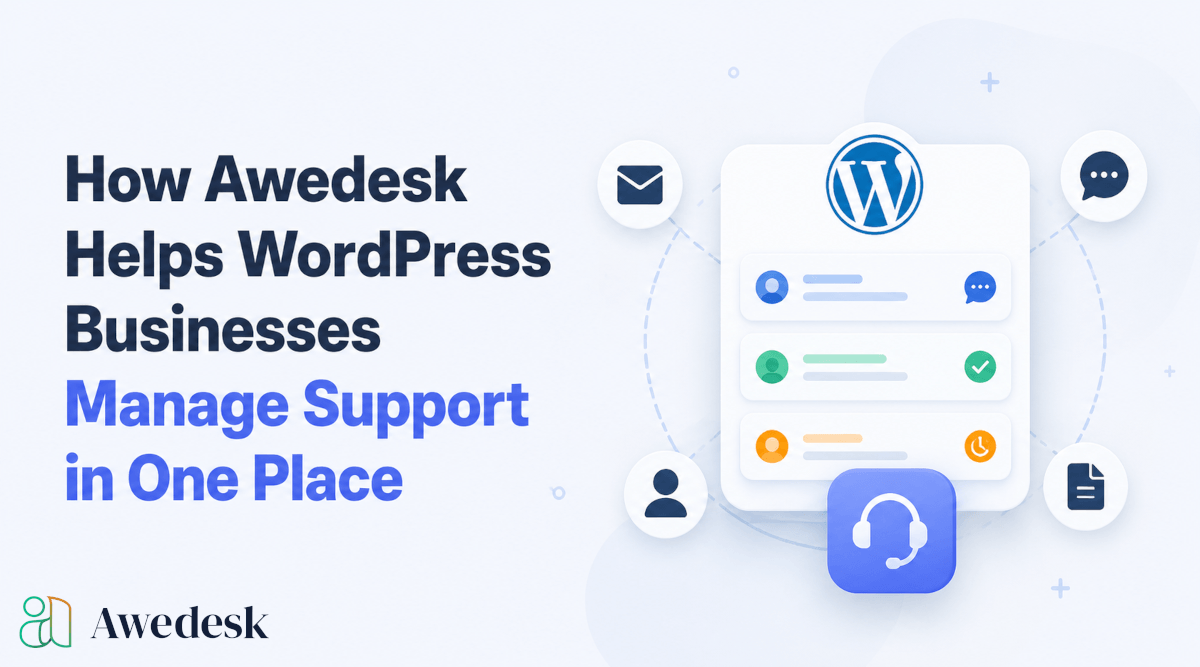
How Awedesk Helps WordPress Businesses Manage Support in One Place
Customer support becomes harder to manage when conversations are spread across email inboxes, contact forms, WooCommerce order notes, private community messages, and disconnected help desk tools. For a small WordPress business, that usually starts as a minor inconvenience. A customer sends a question through the website. Another replies to an email. A member asks for…
-
·
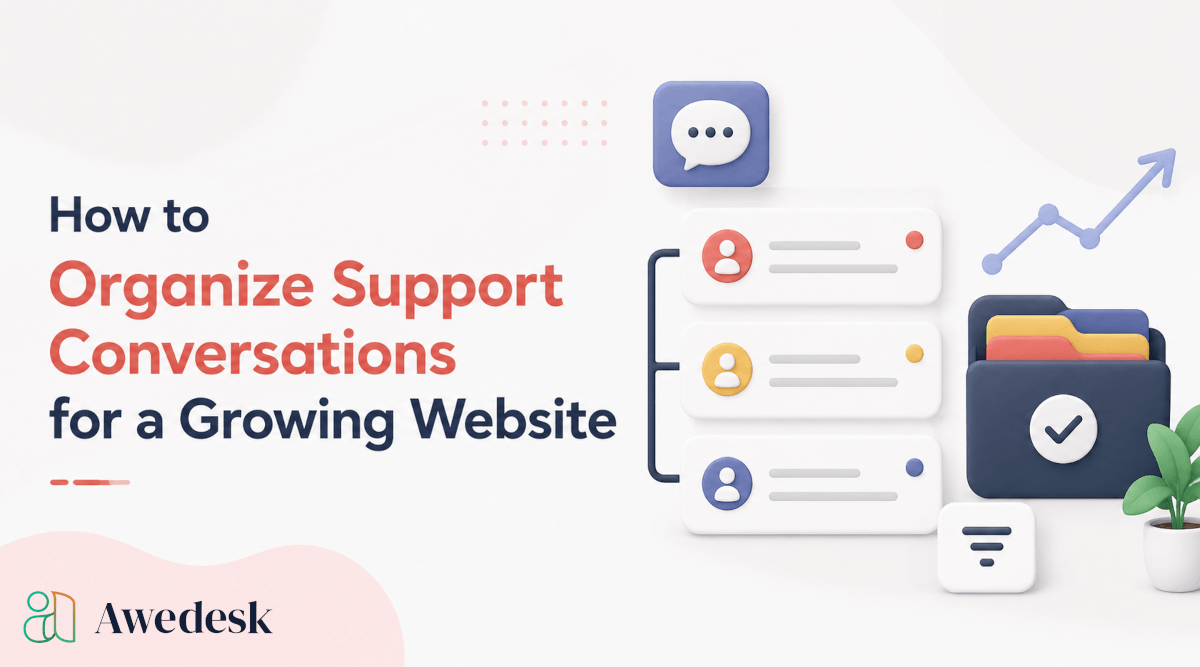
How to Organize Support Conversations for a Growing Website
Support becomes significantly harder to manage once a website starts growing beyond a small audience. A few customer emails each week may feel manageable in the beginning, but the situation changes quickly once memberships increase, WooCommerce orders rise, or community activity becomes more active.
-
·
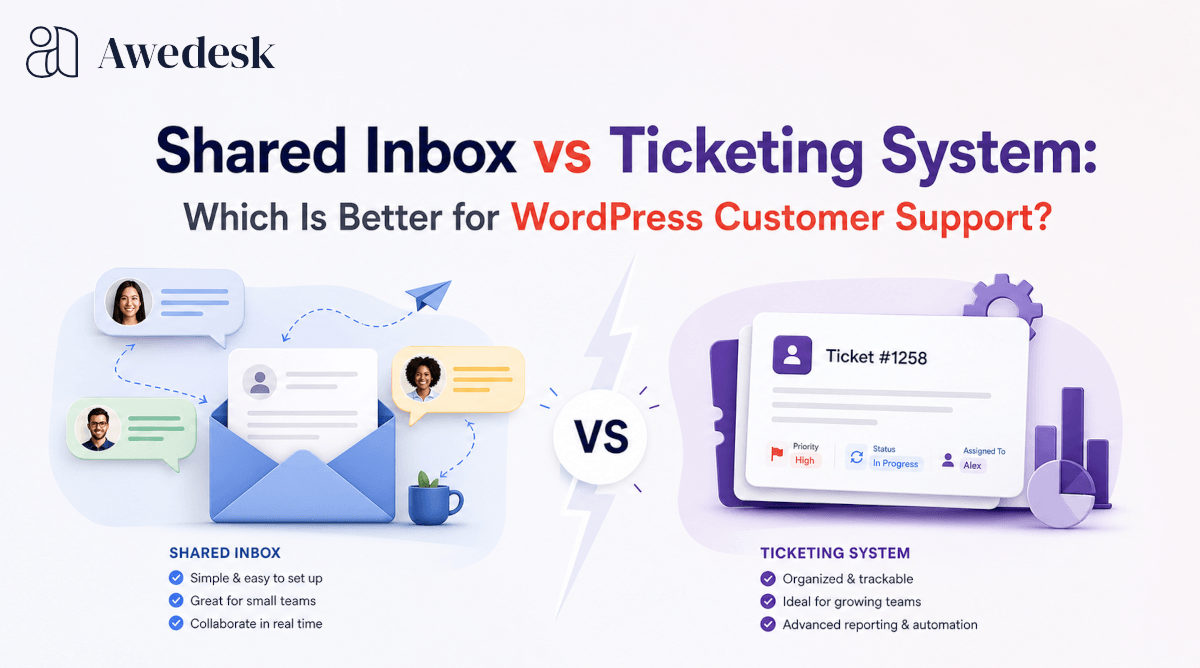
Shared Inbox vs Ticketing System: Which Is Better for WordPress Customer Support?
A shared inbox looks simple at first. Everyone can open the same email inbox, reply to customers, and keep conversations in one place. For a small team, that feels practical. There is no complex setup, no new workflow, and no need to train agents on a full help desk platform.
-

·
How to Centralize Support Requests from Multiple Channels in WordPress
Support requests from multiple channels can become difficult to manage fast. A customer sends an email. A member posts in your community. Someone comments under a lesson. Another person replies to an order confirmation. A buyer asks a question from their WooCommerce account. A team member answers one message in Gmail, while another replies inside…
-

·
What to Look for in a WordPress Help Desk Plugin
Choosing a WordPress help desk plugin sounds simple until support becomes part of daily operations. A form that collects questions is not the same as a system that routes tickets, keeps conversations organized, gives agents context, and lets customers get help without friction.