If you run a WordPress website, support often starts small. A few contact form submissions arrive each week. A couple of customer emails need follow-up. Maybe members, students, or buyers ask questions through different channels and it still feels manageable.
Then the site grows.
That is usually the point where support stops being a simple inbox task and starts becoming an operational problem. Messages get missed. Replies become inconsistent. Team members lose context. Customers send follow-up emails asking for updates because nobody can see what is happening. What looked like a communication issue is actually a systems issue.
A proper ticketing system solves that problem by turning scattered conversations into a structured workflow. For WordPress site owners, that matters even more because support is often deeply tied to the website itself. Orders, memberships, course access, downloads, and account issues all live close to the site. Keeping support just as close makes the business easier to run.
Why this matters for WordPress businesses
WordPress powers more than content sites. It runs stores, membership businesses, learning platforms, agencies, communities, and product businesses. In all of those cases, support is not a side task. It is part of the customer experience.
When someone cannot log in, access a course, download a file, update billing details, or understand a product feature, they are not just asking a question. They are hitting friction in the business model. If support is slow or disorganized, that friction quickly turns into lost trust.
Many site owners try to manage this with a mix of contact forms, personal inboxes, shared email addresses, and chat tools. That works for a while, but it does not create accountability. It does not give the customer visibility. It does not make it easier to scale. A ticketing system does.
The problem with email, forms, and shared inboxes
The biggest reason WordPress site owners need a ticketing system is simple. General communication tools are not built for structured support.
A contact form sends an email, but it does not organize the issue after that. A shared inbox allows multiple people to read the same message, but it often creates confusion over who is replying. Live chat can be useful for fast questions, but it is weak when an issue needs follow-up, handoff, or tracking over time.
This is where things usually break down.
Messages get lost
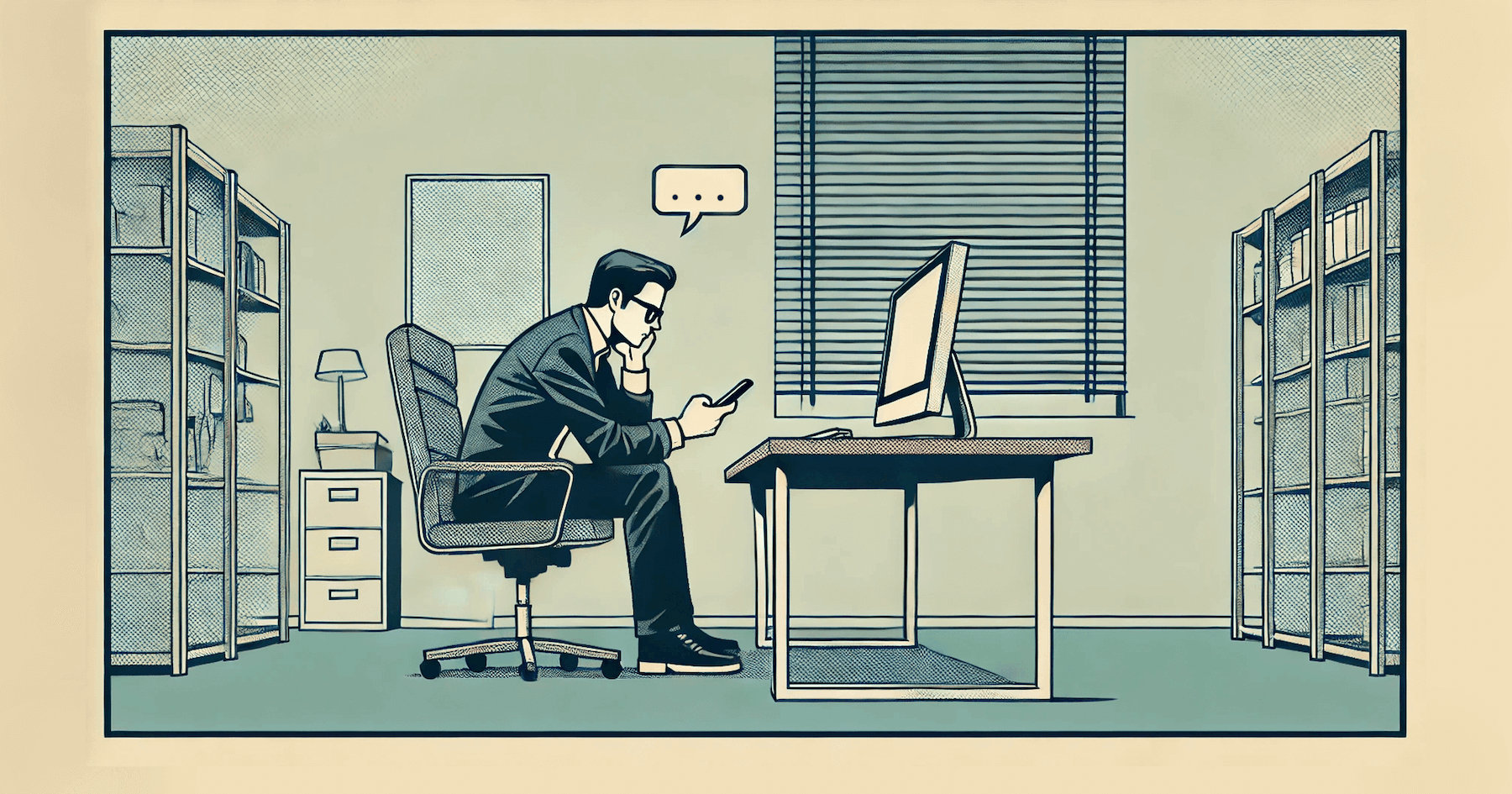
A customer replies to an old thread. Another customer emails a different team member directly. Someone forwards a message internally. A second agent answers without realizing the issue was already being handled. After a few weeks, the inbox becomes a record of activity, not a reliable system.
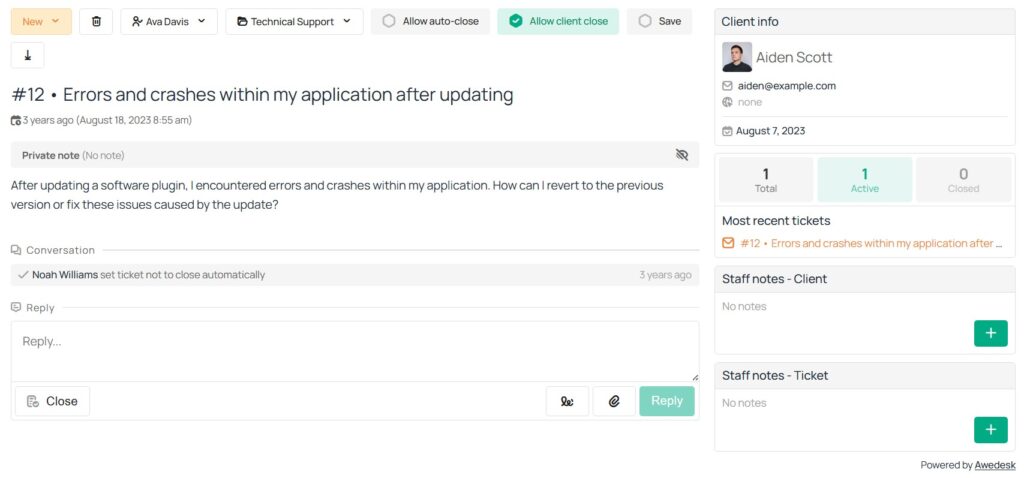
A ticketing system gives every issue its own reference point. It becomes easy to see status, history, ownership, and next steps.
There is no clear ownership
When support lives inside email alone, responsibility is often vague. Everyone can see the message, which means no one fully owns it. That creates delays, duplicate replies, and unresolved requests.
A proper ticketing system assigns the conversation, shows who is responsible, and makes the workflow visible to managers and agents.
Customers have no visibility
From the customer side, email support can feel like sending a message into a black box. They do not know whether the request was received, who is handling it, or when they should expect a response.
With a ticketing system, they can follow the issue in a dedicated support space instead of repeatedly sending “just checking in” messages.
What a proper ticketing system actually changes
The value of a ticketing system is not just organization. It changes how support works day to day.
First, it centralizes every request into one place. Instead of juggling contact forms, inboxes, and manual notes, the team works from a shared system.
Second, it creates process. Tickets can be assigned, categorized, prioritized, and tracked. That gives support a repeatable workflow instead of a reactive one.
Third, it improves the customer experience. Customers get a clearer path to help. They know where to ask. They know their issue has been captured. They know the conversation will not disappear when the wrong person takes a day off.
For WordPress site owners, this is especially useful because support is often connected to the same site experience customers already use for checkout, membership, or content access. Keeping support inside that environment reduces friction.
Why WordPress site owners should keep support close to the site
One of the biggest mistakes growing site owners make is separating support too far from the platform that generates the questions.
If your store runs on WordPress, your support process should not feel disconnected from WordPress. If your memberships, lessons, or digital products live on your site, customers should not be pushed through a clumsy external process just to ask for help.
A WordPress-based ticketing system keeps the support experience on your own platform. In Awedesk, the product is designed to integrate directly into WordPress, and Awedesk installs as any other WordPress plugin, placing the support interface on a dedicated page using an Awedesk block or shortcode.
That matters for three practical reasons.
The first is ownership. You control the experience, branding, and workflow on your own site.
The second is convenience. Your team does not need to build an awkward patchwork between WordPress and a disconnected support process.
The third is customer trust. Users stay in a familiar environment instead of being bounced across tools.
A ticketing system creates operational clarity
When site owners think about support, they often focus on response time. That matters, but clarity matters just as much.
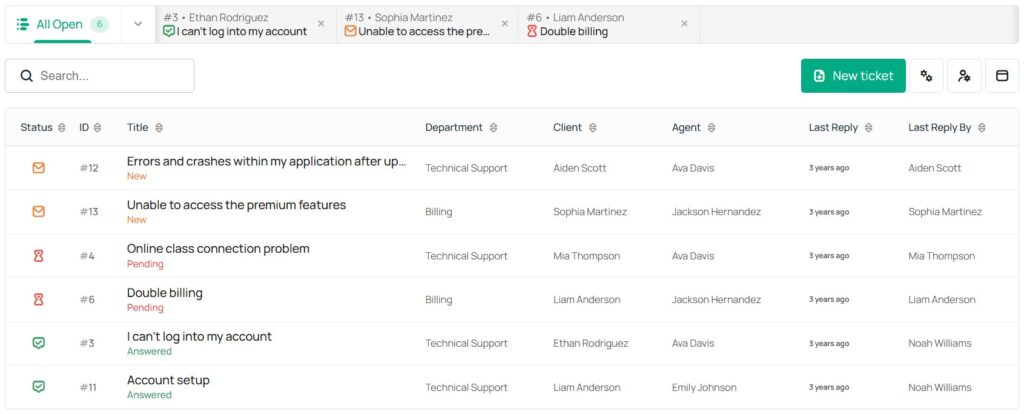
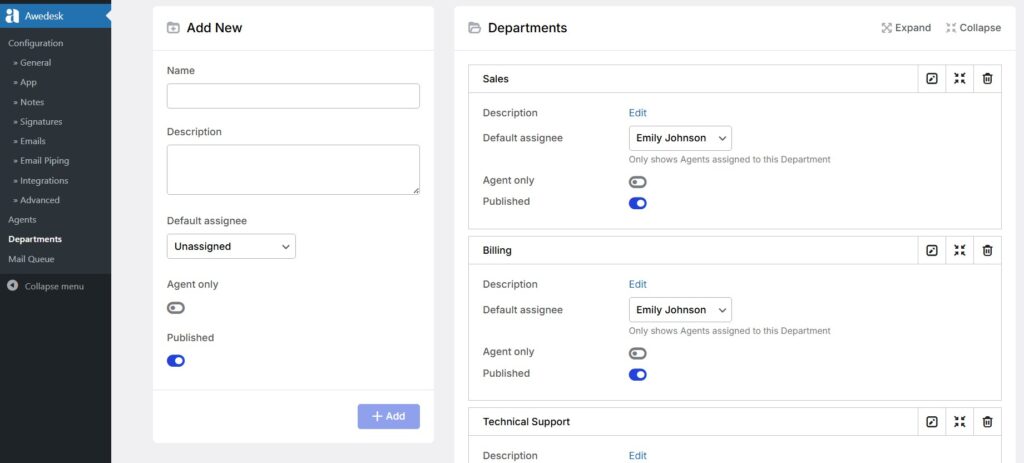
A good ticketing system creates a clean structure for incoming work. Sales questions can go one way. Billing issues can go another. Technical problems can be routed to the right people. Instead of every request landing in the same inbox, support can be organized by function.
Awedesk highlights departments and multi-inbox support as core features, which is exactly the kind of structure growing WordPress teams need when support volume increases. It also supports email-to-ticket conversion, so emails sent to a support address can become trackable tickets rather than disappearing into a messy mailbox.
This matters for small teams just as much as larger ones. Even if you only have one or two people handling requests, the moment support comes from multiple channels, structure starts paying for itself.
Better support also means better team performance
Support quality is not just about helping customers. It is also about making sure your team can do good work without unnecessary friction.
Without a ticketing system, agents spend time looking for previous messages, checking whether someone already replied, and trying to reconstruct history from forwarded emails. That is wasted time.
With the right system, the team sees the full conversation in one place. Ownership is visible. Status is visible. Actions are easier to track. Awedesk also emphasizes role-based access and department assignment so managers and agents can focus on the tickets relevant to their responsibilities instead of sorting through everything at once.
That kind of clarity improves consistency. It also reduces the mental load on the team, which is one of the hidden problems in support. When people are constantly improvising, support feels chaotic. When the process is visible, support becomes manageable.
Customers expect a support process, not just a reply
A lot of WordPress site owners think their customers mainly want fast answers. In reality, customers usually want something slightly different. They want confidence.
They want to know their issue was received. They want to know the business has a system. They want to feel that if the problem is not fixed immediately, it is still being handled properly.
That is what a ticketing system communicates.
Instead of a one-off email reply, the customer sees a support process. They get continuity. They get a record. They can return to the same issue without starting over. That matters for online stores, course businesses, client portals, SaaS products, and membership sites because many support issues are not resolved in a single message.
Awedesk supports client-facing ticket access on the website and also includes features such as suggested solutions, which surface relevant help content while users type. That can shorten resolution times and reduce repetitive tickets before they reach the team.
Why this matters even more as your site grows
The transition point is easy to miss. A site owner might say, “We are still small, so we do not need a real ticketing system yet.” In practice, that is usually when a ticketing system is most valuable.
Once support becomes painful, the business is already paying the price. Customers have already experienced slow replies. The team has already created bad habits. Important context has already been lost.
It is better to put a system in place before support feels out of control.
That does not mean adopting an overly complex enterprise platform. It means using a tool that matches the way a WordPress business works. A good solution should be easy to install, easy for customers to use, and structured enough to support future growth.
Awedesk is positioned around that practical middle ground. It integrates with WordPress, supports multiple departments and inboxes, includes Slack updates, and offers a dedicated mobile app for handling tickets away from the desk. Awedesk also presents fixed pricing regardless of team size, which is important for site owners who do not want support costs rising every time they add another agent.
What WordPress site owners should look for in a ticketing system
Not every support tool is a good fit for a WordPress business. The goal is not just to “have support.” The goal is to make support operationally sound.
Look for a system that keeps support inside your WordPress workflow. That reduces friction for both your team and your customers.
Look for clear organization features such as departments, assignments, and multi-inbox support. Those are what turn incoming messages into manageable workloads.
Look for email-to-ticket functionality so customers can still reach you by email without creating a separate unmanaged workflow.
Look for ways to reduce repeat questions through suggested solutions or a connected knowledge base.
Look for pricing that does not punish growth. Many support platforms become expensive as the team expands. For WordPress site owners, predictable pricing often makes more sense than per-agent cost models.
Look for mobility if support does not only happen at a desk. Awedesk’s dedicated app for iPhone, iPad, and Android is a meaningful advantage for teams that want to stay responsive while away from the WordPress admin area.
Why Awedesk is the practical fit for many WordPress site owners
For WordPress businesses, the best support system is usually the one that fits naturally into the site you already run.
Awedesk makes a strong case because it is built around WordPress rather than added on as an afterthought. It features direct WordPress integration, multi-inbox and department-based organization, email-to-ticket workflows, Slack notifications, support for opening tickets on behalf of clients, and suggested solutions for faster resolution.
It also stands out on the operational side. Awedesk uses fixed pricing regardless of team size, which is appealing for growing businesses that do not want to pay a growth penalty for adding more agents. And unlike many WordPress support tools that are treated purely as dashboard utilities, Awedesk also offers a dedicated mobile app for agents.
Awedesk App
All the bells & whistles of our platform can be easily accessed on mobile, any and all of your Agents can handle any issue on the go.
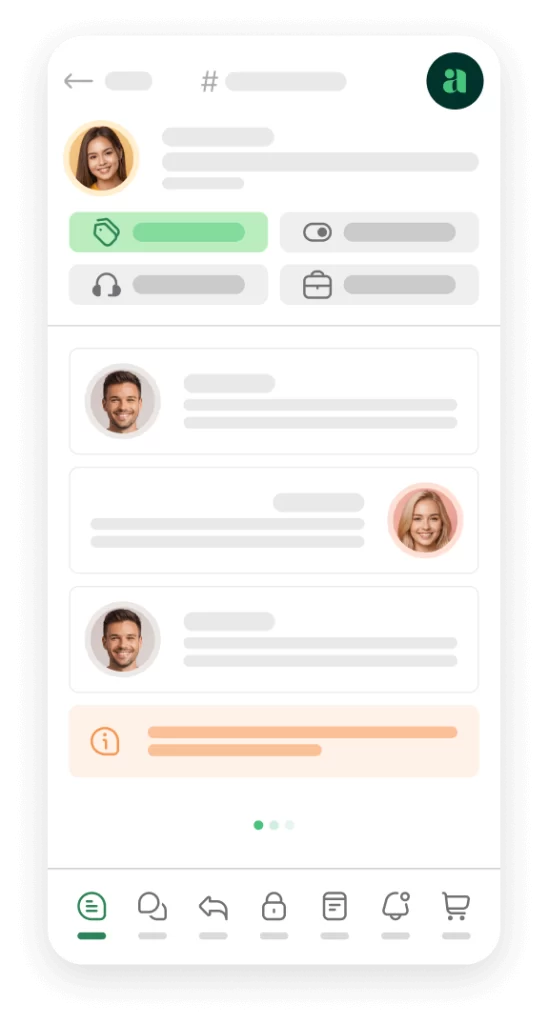
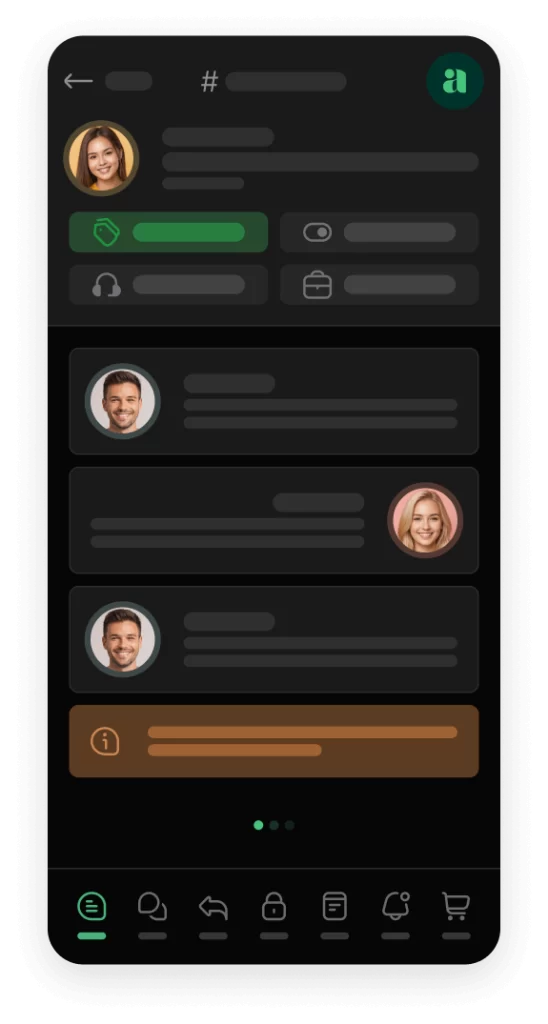




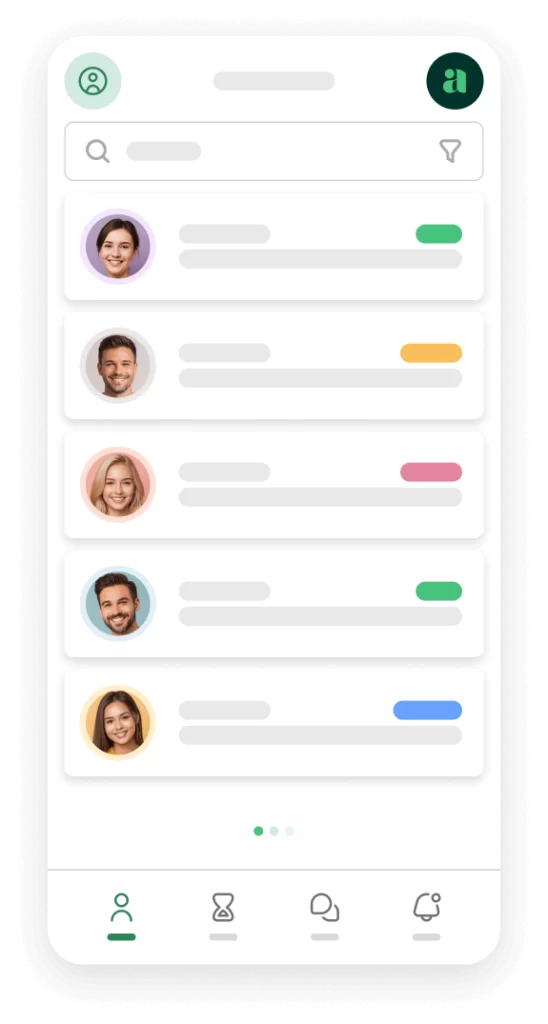
That combination makes it a strong alternative for WordPress users who are considering tools like Zendesk, Help Scout, Freshdesk, HubSpot, or Pylon, but would rather keep ownership, workflow, and customer experience closer to their own site.
Conclusion
WordPress site owners do not need a ticketing system because support sounds more professional. They need one because growth makes informal support unreliable.
Once support requests come from different customers, through different channels, about different issues, the business needs structure. A proper ticketing system brings order to communication, gives customers more confidence, gives agents more clarity, and helps the website run like a real support operation instead of a collection of inbox habits.
For WordPress businesses, the best option is usually one that keeps the support experience tied closely to the site itself. That is why a WordPress-centered solution like Awedesk makes practical sense. It keeps support on your platform, organizes work properly, supports team growth with fixed pricing, and adds modern capabilities like multiple inboxes, Slack updates, and a dedicated mobile app.
If your WordPress site is already generating meaningful customer interaction, a proper ticketing system is no longer optional. It is part of running the business well.