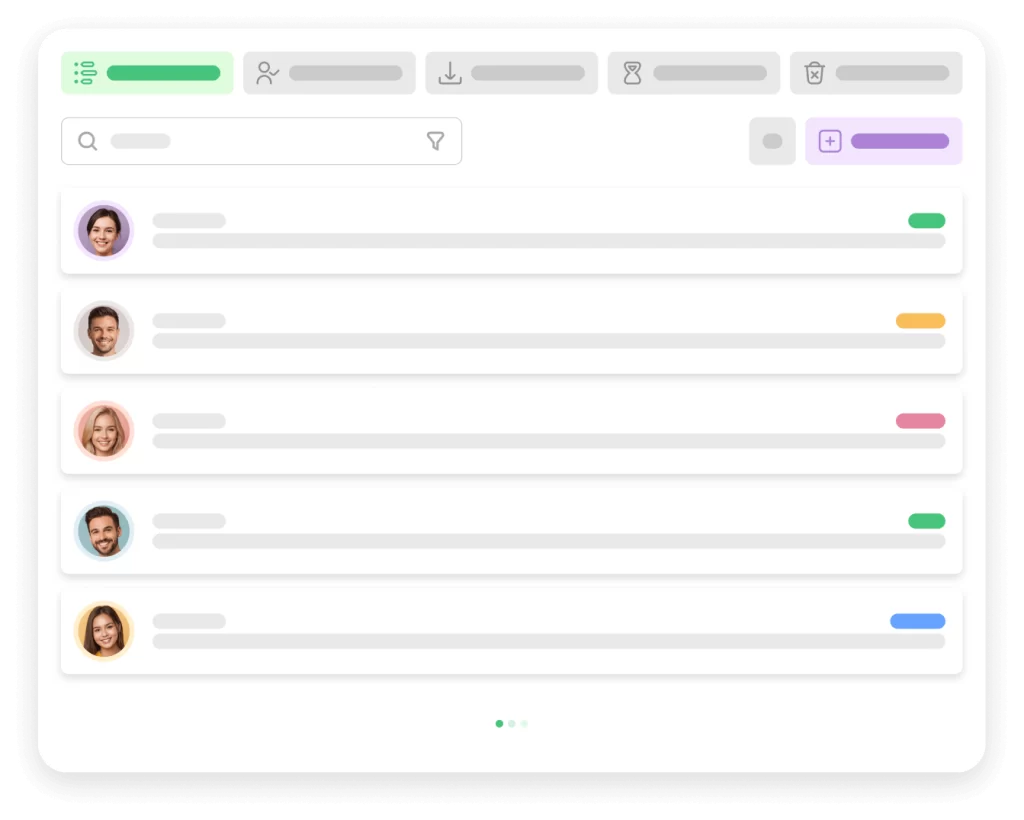
Simple & Easy Contact Form
Transform your support process into a seamless experience with Awedesk. Here’s how:
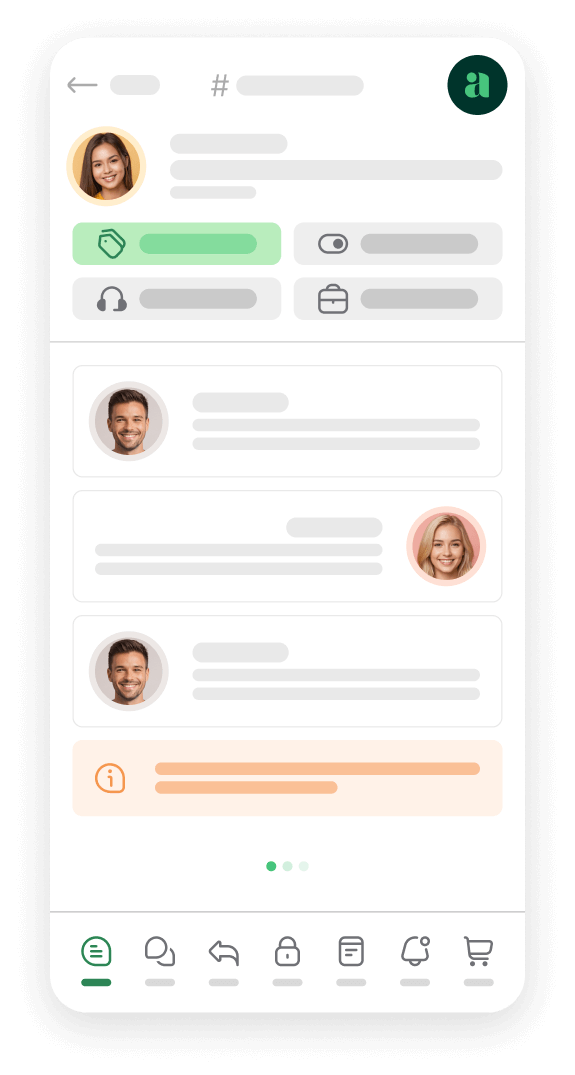
Direct Website Integration: Clients can open support tickets and receive assistance directly on your website. A designated support page allows customers to easily submit tickets and track their progress, all in one place.
Customizable Access Levels: Tailor what your customers and representatives can see based on specified permissions and access levels. This ensures a personalized and secure support experience for all users.
Effortless Ticket Management: Say goodbye to convoluted support systems. Awedesk streamlines the process, making it straightforward for clients to get the help they need and for representatives to manage and resolve tickets efficiently.






Support Agents Roles
Enhance your team’s focus, effectiveness, and time management by appointing appropriate roles to your representatives in Awedesk. Here’s how it works:
Define Clear Roles
Assign representatives as Managers or Agents, specifying their responsibilities and access levels to optimize workflow.
Manager Role
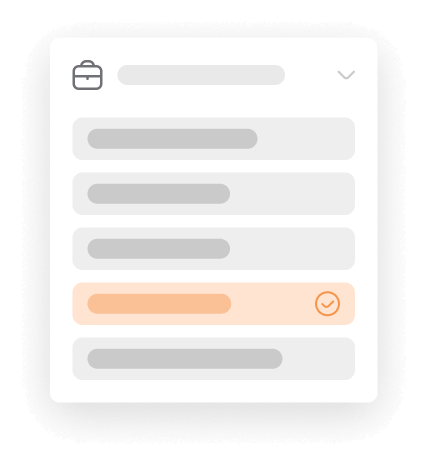
Managers have oversight across all departments and can access all tickets. This comprehensive view allows them to effectively manage the entire support operation and provide necessary guidance.
Agent Role
Agents are assigned to specific departments, focusing solely on their designated areas. For instance, Sales agents only see tickets within the Sales department, preventing distractions from unrelated departments and ensuring they stay focused on their responsibilities.
Improved Focus and Efficiency
By limiting access based on roles, representatives can concentrate on their tasks without the clutter of unrelated tickets, enhancing their productivity and time management.
Support Departments
Awedesk enhances your efficiency and organization by allowing you to create multiple departments for different types of tickets, such as Sales, Billing, and Technical Support.
Predefined and Custom Departments
Start with predefined departments and customize as needed. Create as many departments as your business model requires to ensure streamlined ticket management.
Department-Specific Assignees
Assign specific agents to individual departments, ensuring that each department’s tickets are handled by dedicated experts. This setup enhances response speed and service quality, reducing confusion and improving customer satisfaction.
Flexible Ticket Handling
If preferred, allow tickets to land in unassigned departments where any available agent can handle them. This flexibility ensures that all tickets are addressed promptly, regardless of their type.
Perfection
Stay organized and efficient with Awedesk’s multi-department ticket management, designed to provide high-quality service with less confusion.


FEATURES
Discover Our Features
Highly intuitive and easy to use support system for WordPress.
Single View Application
A seamless and highly responsive user experience by dynamically updating content without the need for full page reloads, enhancing both performance and usability.
Departments
Ensure that queries are efficiently routed to specialized teams, enabling faster resolution times and more accurate assistance tailored to the specific needs of the customer.
Multi-inbox
Allows your team to manage and prioritize emails from multiple sources or departments in one place, improving collaboration, response times, and overall communication efficiency.
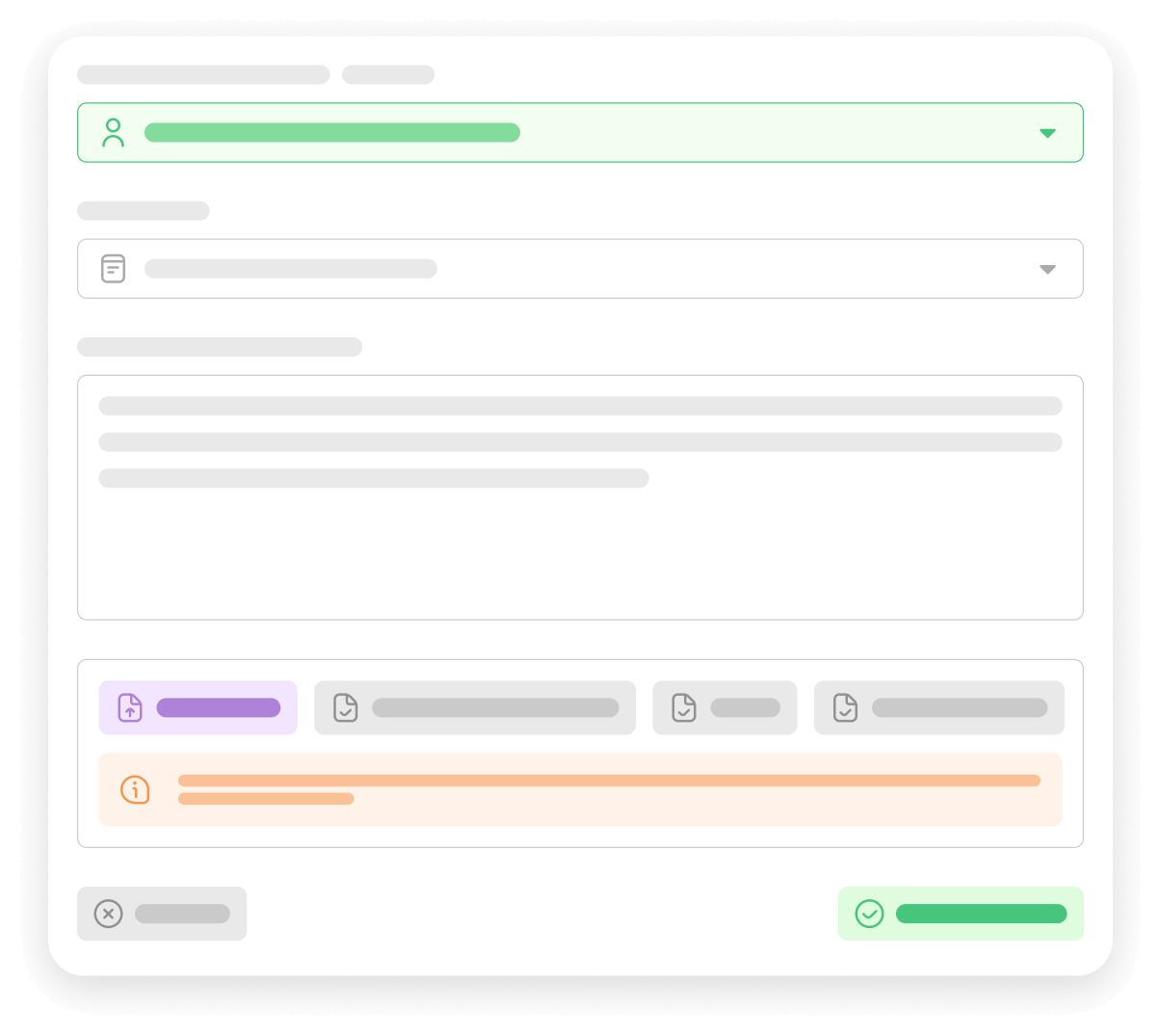
Tickets on Behalf
Agents can open tickets on behalf of clients who contact in person or over the phone by quickly capturing the client’s issue and details into the ticketing system, ensuring that all customer concerns are documented, tracked, and addressed efficiently.
Simple Contact Form
Easy and direct way for customers to reach out, ensuring that inquiries are collected in an organized manner and facilitating prompt and effective communication between the customer and the organization.
Cost-effective
One set subscription rather than per agent is cost-effective, especially for larger teams, as it allows for predictable budgeting, eliminates per-agent fees, and provides scalable support solutions without incremental costs as the team grows.
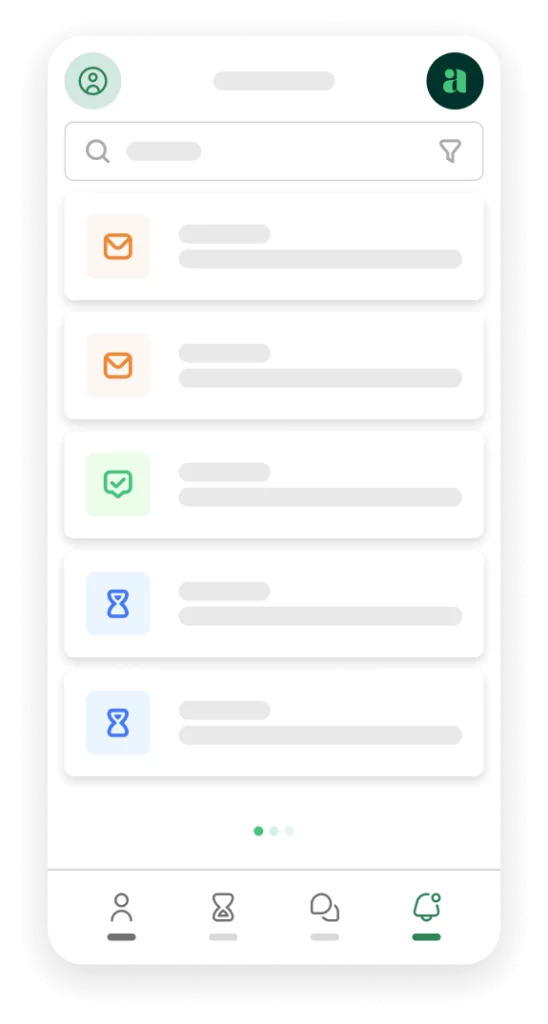
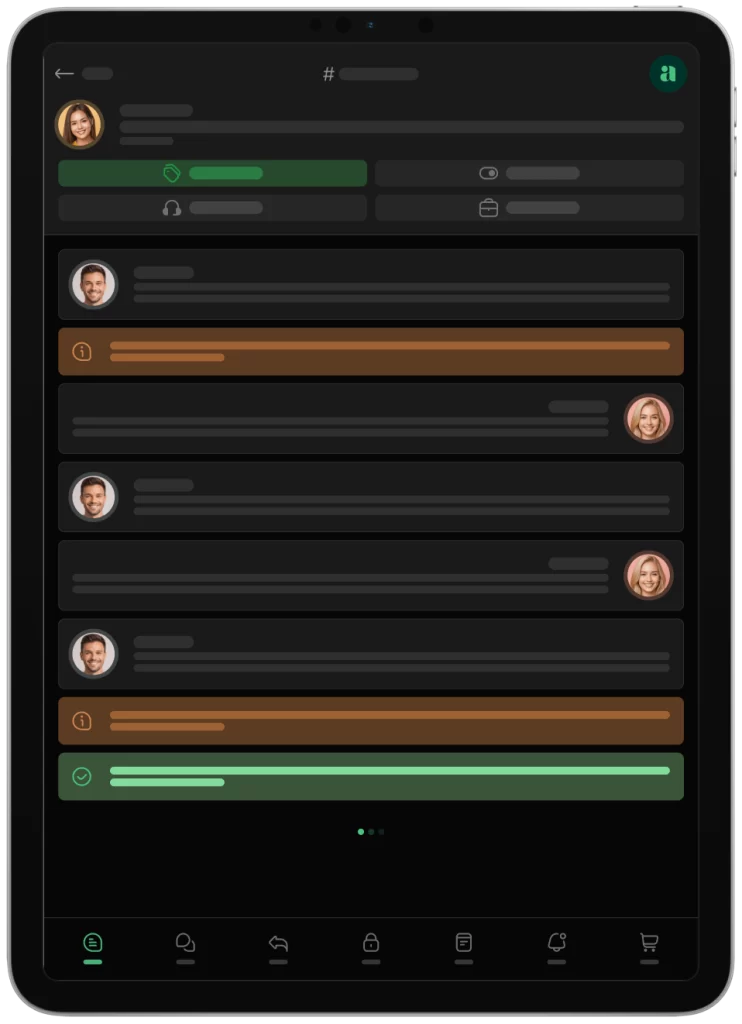
Mobile App
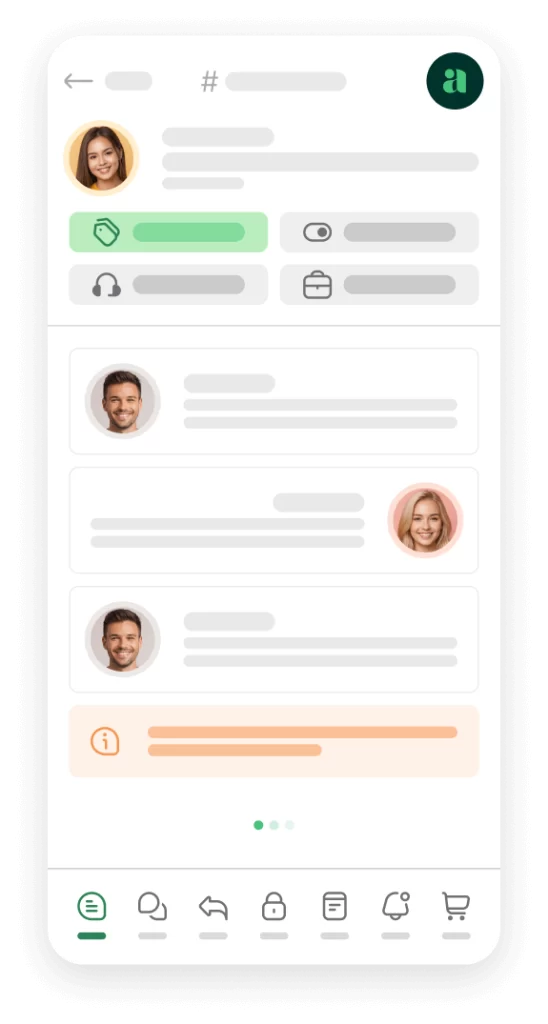
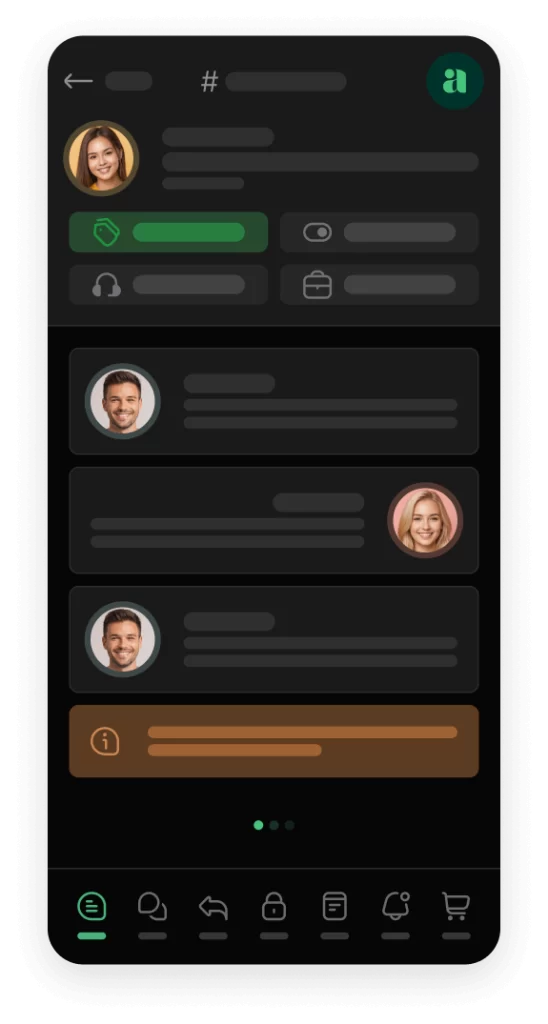
Awedesk App
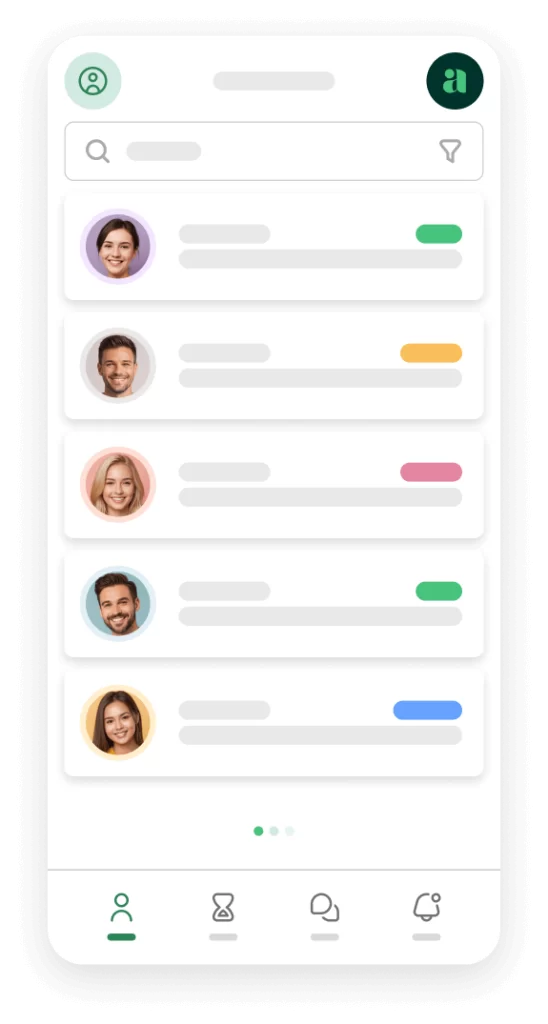
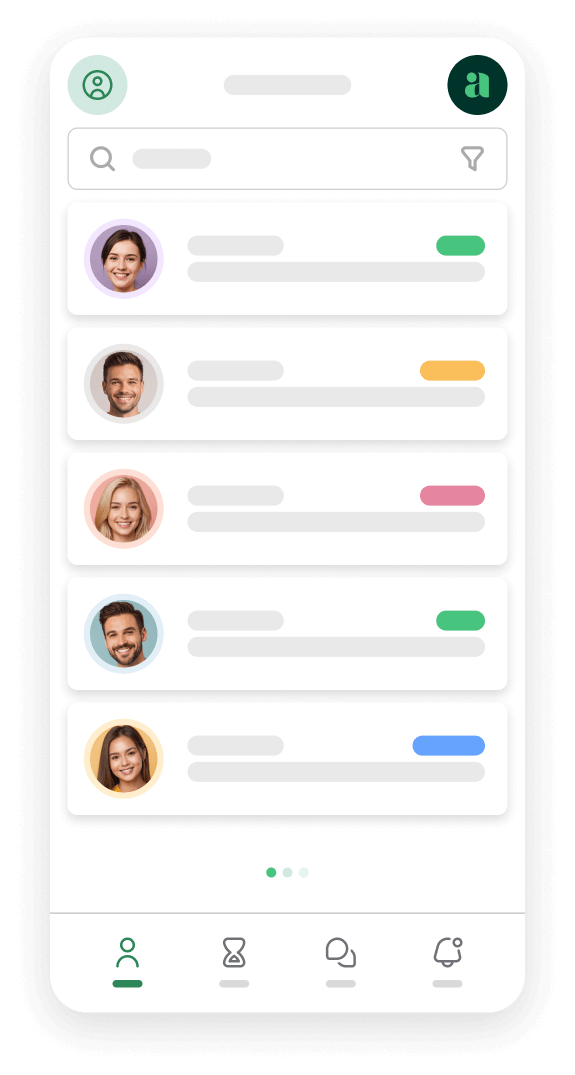
All the bells & whistles of our platform can be easily accessed on mobile, any and all of your Agents can handle any issue on the go.



Notifications
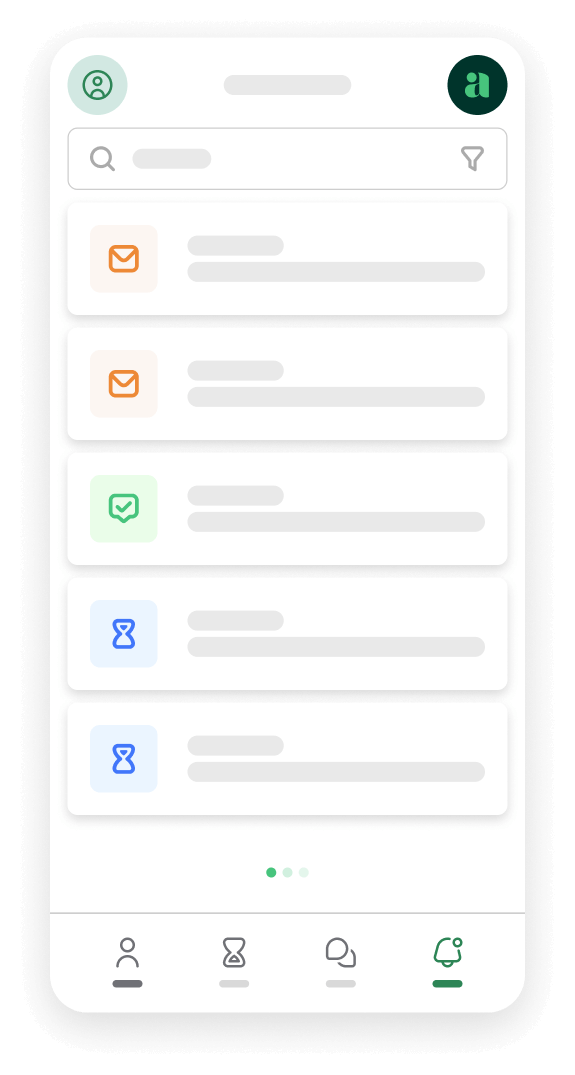
Awedesk offers a robust email notification system with predefined templates that you can fully customize to align with your business and brand.
We encourage you to tailor your email notifications to reflect your business’s unique voice and style. A helpful and genuine response is key to excellent customer care.



Email to Ticket Conversion
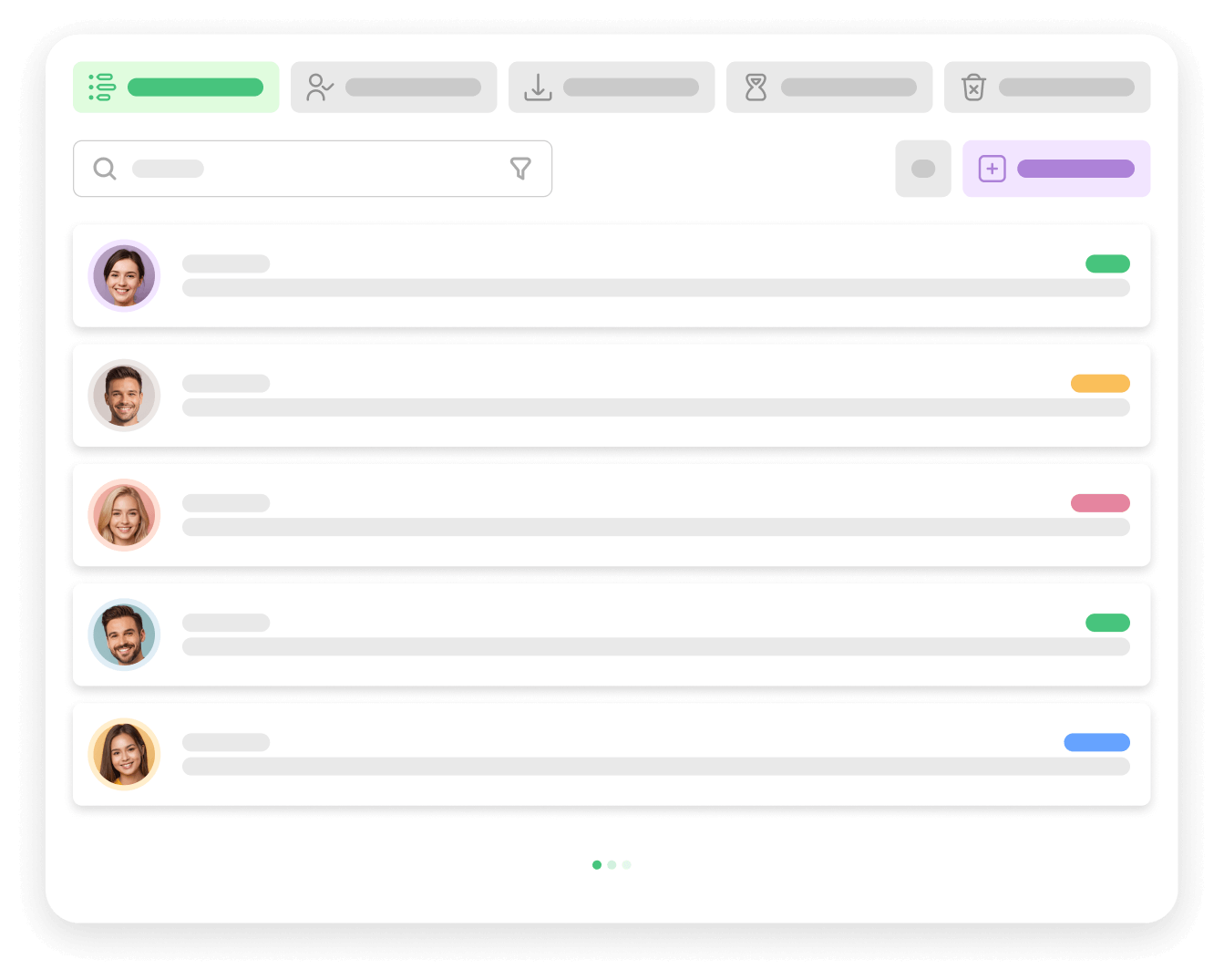
Simplify your support process, ensuring every customer inquiry is efficiently tracked and addressed. Here’s how it works:
Seamless Email Integration: Designate a specific email address, such as support@yourwebsite.com, and any emails sent to this address will be automatically converted into support tickets. This ensures no customer query is missed.
Customizable Inboxes: Set up multiple designated inboxes for different departments or support categories. Assign each inbox to its respective department, streamlining your support workflow and enhancing team efficiency.
Enhance your customer support experience with our Email to Ticket Conversion feature, designed to keep your support team organized and responsive.
Tickets on Behalf
Awedesk makes it easy for agents to open tickets on behalf of clients, regardless of how they make contact. Here’s how:
Versatile Support Channels: Agents can create tickets for clients who reach out over the phone, in person, or through any other non-digital means of communication, ensuring comprehensive support coverage.
Efficient Issue Documentation: Capture and document client issues and details directly into the ticketing system, ensuring every concern is tracked and addressed.
Streamlined Support Experience: This feature guarantees that all customer interactions are managed efficiently, providing a seamless and organized support experience for both agents and clients.
Enhance your customer service with Awedesk’s agent-assisted ticket creation, ensuring every client issue is properly documented and resolved, no matter how they contact you.



Suggested Solutions
Leverage your existing content to enhance support efficiency with Awedesk’s automated knowledge base search. Here’s how it works:
Instant Solutions: When clients type in their questions, Awedesk automatically searches through your pre-defined content to suggest relevant solutions. This provides immediate answers, saving both client and agent time.
Efficient Use of Resources: Utilize your already created content to its fullest potential, reducing the need for repetitive responses and enabling your support team to focus on more complex issues.
Enhanced Customer Experience: By offering instant, relevant solutions, you improve the overall customer experience, making support interactions faster and more effective.
Maximize the value of your knowledge base with Awedesk’s automated search, ensuring quick and efficient resolutions for your clients.
Automated Tasks
Awedesk offers powerful automation options to help you efficiently manage and close inactive tickets, keeping your support system organized and clutter-free. Here’s what you can do:
Auto-Close Tickets: Automatically close tickets that have been inactive for a specified number of days after the last response from an agent. Set your preferred interval to ensure timely ticket resolution and a streamlined support process.
Customizable Intervals: Define the number of days before an inactive ticket is auto-closed. Tailor this setting to match your support team’s workflow and ensure no ticket stays open longer than necessary.
Flexible Automation Setup: The default setup uses WordPress cron, but you can also choose to use external cron for greater flexibility and reliability in managing:
- Mail Queue: Efficiently handle large volumes of emails.
- Auto-Close Tickets: Ensure inactive tickets are automatically closed.
- Email Piping: Seamlessly convert emails into support tickets.
Optimize your support operations with Awedesk’s automated ticket management, providing a cleaner and more efficient system for your team and customers.


Built-in GDPR
Awedesk ensures seamless GDPR compliance through its integration with WordPress functionality, providing you with a comprehensive solution in one place. Here’s how it works:
Centralized GDPR Management: Leverage WordPress’s built-in features to manage all your GDPR needs effortlessly within Awedesk. This integration simplifies the process of ensuring compliance with local and international privacy laws.
Advanced Privacy Settings: Access advanced configuration options within the plugin to meet your specific privacy requirements. These settings allow users to:
- Bulk Export Lists and Tasks: Easily export data in accordance with GDPR guidelines.
- Delete Lists and Tasks: Provide users with the ability to delete their information, ensuring adherence to privacy laws.
Stay compliant with GDPR regulations using Awedesk’s built-in functionality, offering a streamlined and efficient way to manage user data and privacy settings.
Comprehensive Admin Panel
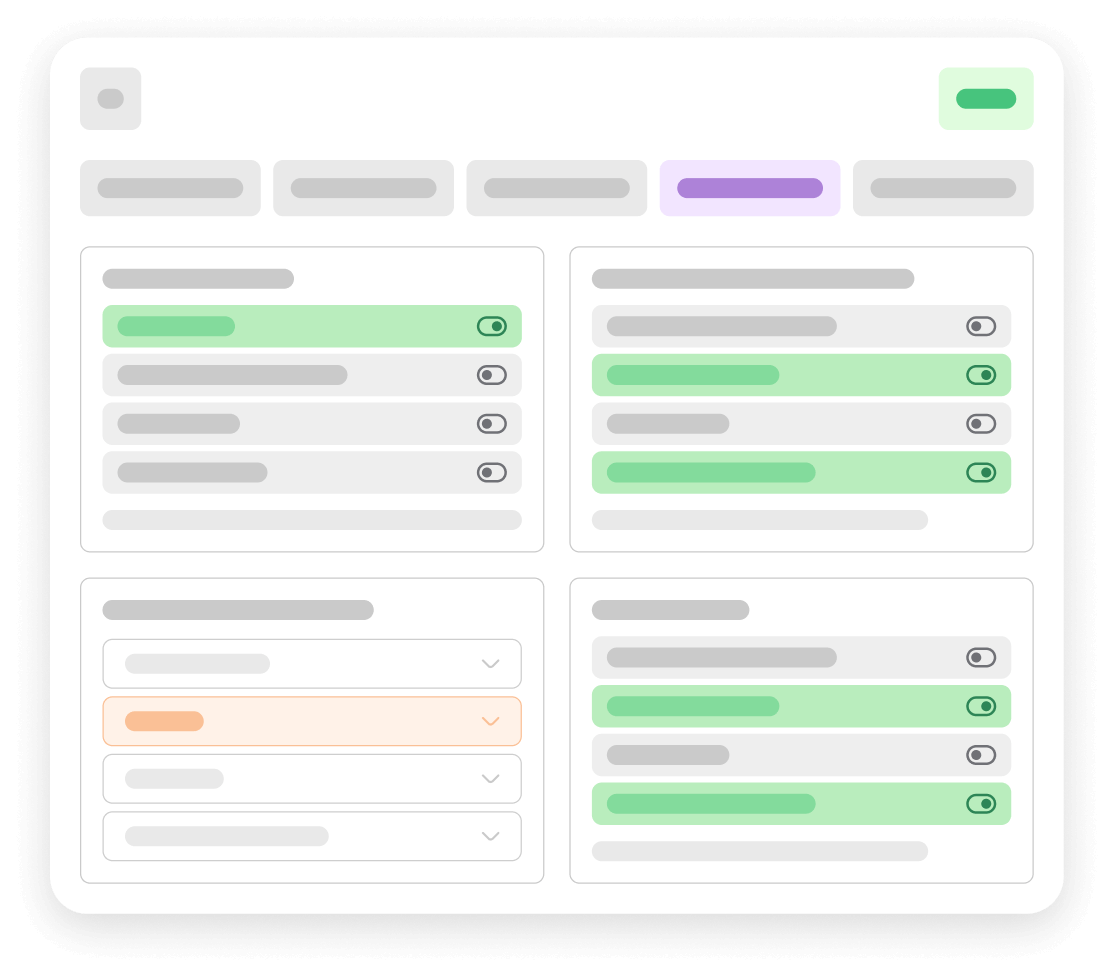
Awedesk offers a user-friendly and highly configurable admin panel designed to simplify and enhance your customer support operations. Here’s what you can expect:
Out-of-the-Box Functionality: The plugin is pre-configured to work seamlessly for most setups right from installation. This ensures you can start using Awedesk immediately without the need for extensive adjustments.
Ease of Use: Awedesk’s primary goal is to streamline your customer support, making it a smooth and efficient process. The admin panel is intuitive, with clear options that can be easily customized to suit your needs.
Dynamic Configuration: Adjust settings dynamically at your convenience, ensuring that your support system remains flexible and responsive to changing requirements.
Experience hassle-free setup and management with Awedesk’s comprehensive admin panel, designed to make your customer support operation fluid and efficient.
Get Started
Are you ready to step up?
Provide your clients and agents with the customer contact and support solution they deserve.