Customer support does not always happen at a desk. Agents step away from their computers. Store owners travel. Course creators answer members between calls. Community managers often need to check urgent requests while handling other parts of the business.
The problem is simple. Customers expect fast answers, but support teams are not always sitting in front of WordPress. That gap creates delays. A refund request waits too long. A member cannot access a course. A WooCommerce customer sends a follow-up because nobody replied. A community issue grows because the right person did not see it early enough.
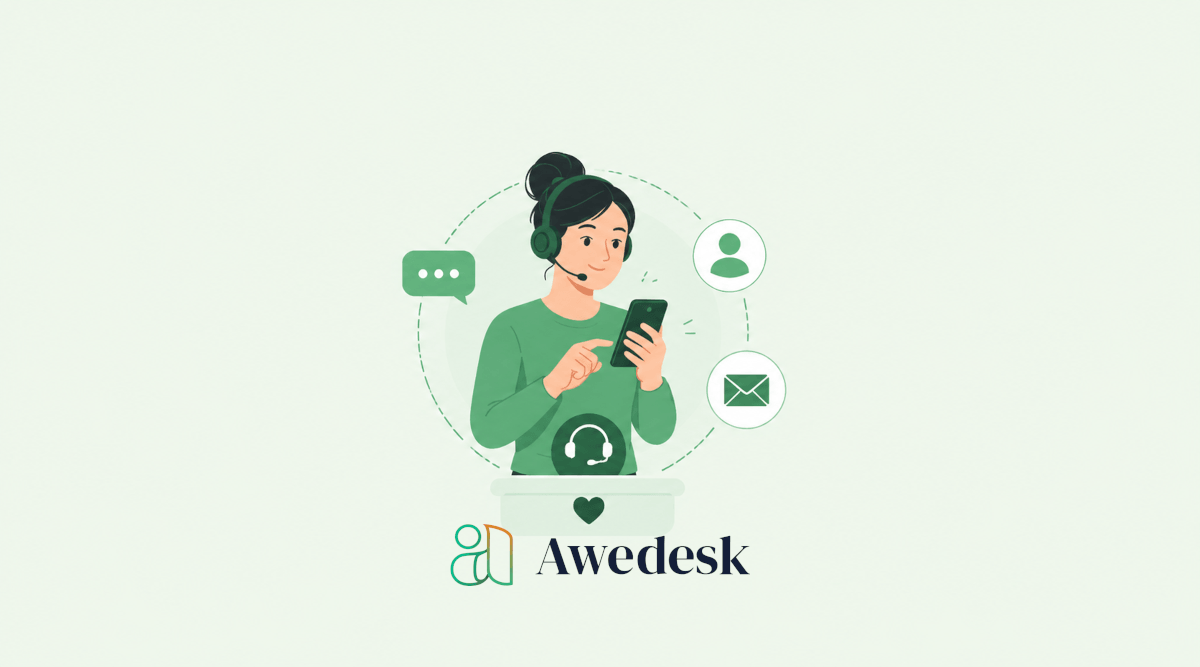
The Awedesk mobile app helps close that gap by giving agents a practical way to stay connected to tickets from their phone. Instead of forcing every support action through a desktop browser, agents can browse, reply, and manage support conversations while they are away from their main workstation.
For WordPress businesses, that can make a real difference.
Why Responsiveness Is Hard for Growing WordPress Teams
Many WordPress businesses start with a simple inbox. At first, that works. A founder checks support emails. A creator replies personally. A small ecommerce store handles questions from one address.
Then the business grows. More customers buy products. More members join. More course students need help. More community conversations require attention. Support starts coming from different places, including contact forms, email, order pages, community profiles, and direct conversations. The issue is not just volume. The issue is visibility.
When agents depend only on desktop access, every moment away from the computer becomes a potential delay. Tickets can sit unseen. Simple replies get postponed. Urgent requests lose priority because nobody checked the queue at the right time. A mobile support workflow does not replace focused desktop work. It supports it.
Agents can quickly review new tickets, spot urgent issues, reply to simple questions, and keep conversations moving until they return to a full workspace.
How the Awedesk Mobile App Supports Faster Ticket Handling
The Awedesk mobile app gives agents access to support tickets from a mobile device. That means agents are not limited to office hours, office desks, or browser sessions when they need to stay aware of customer requests.
For a small team, this helps prevent support from becoming a bottleneck around one person.
For a growing business, it gives agents more flexibility without losing structure.
For a WordPress site owner, it keeps support connected to the platform where the business already runs.
That is the practical value. Agents can remain responsive without moving support into a disconnected external help desk.
Agents Can Check Tickets Without Opening WordPress on Desktop
WordPress is powerful, but not every support task needs a full admin session. Sometimes an agent only needs to see whether a new ticket arrived. Sometimes they need to confirm whether a customer has answered. Sometimes they need to add a quick reply before the issue becomes urgent.
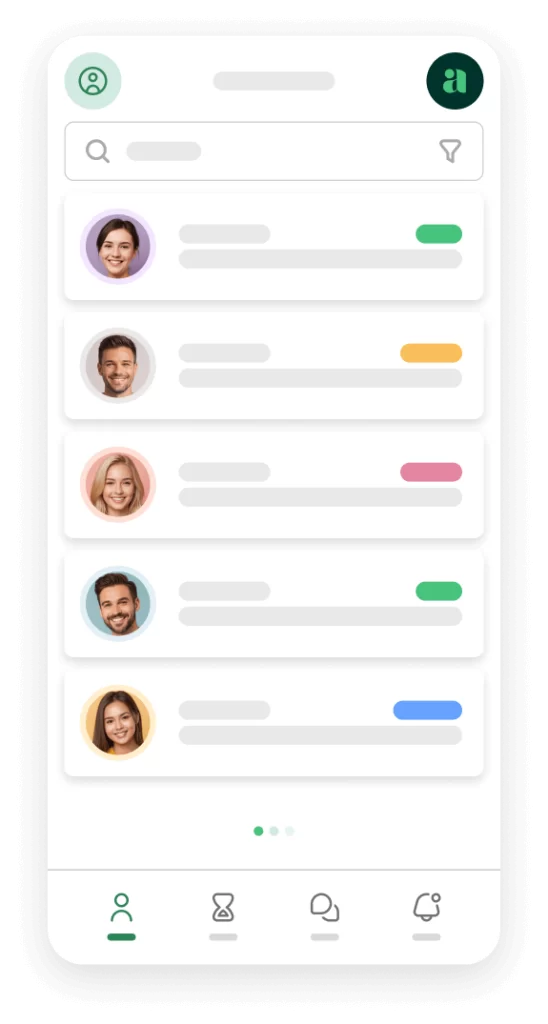
The mobile app helps agents handle these moments faster. Instead of waiting until they are back at a desk, agents can open the app and review the ticket queue from their phone. That small change can reduce idle time across the whole support process.
For creators, this is especially useful when launches are active. A course launch, membership opening, or digital product promotion can create short bursts of support demand. A mobile workflow helps the team stay alert during those high-pressure windows.
Agents Can Reply While Context Is Still Fresh
Fast replies are not only about speed. They are about accuracy. When an agent sees a customer question early, the issue is easier to understand. The conversation is fresh. The urgency is clear. There is less chance of a customer sending repeated follow-ups or creating duplicate tickets.
With Awedesk, agents can manage the conversation inside a ticket instead of scattering replies across personal inboxes, chat messages, or external tools. That gives the team a cleaner record of what happened.
For example, a WooCommerce customer might ask why a download link is not working. An agent can check the request, reply quickly, and keep the exchange attached to the customer’s support history. The customer gets help sooner, and the business keeps the conversation organized.
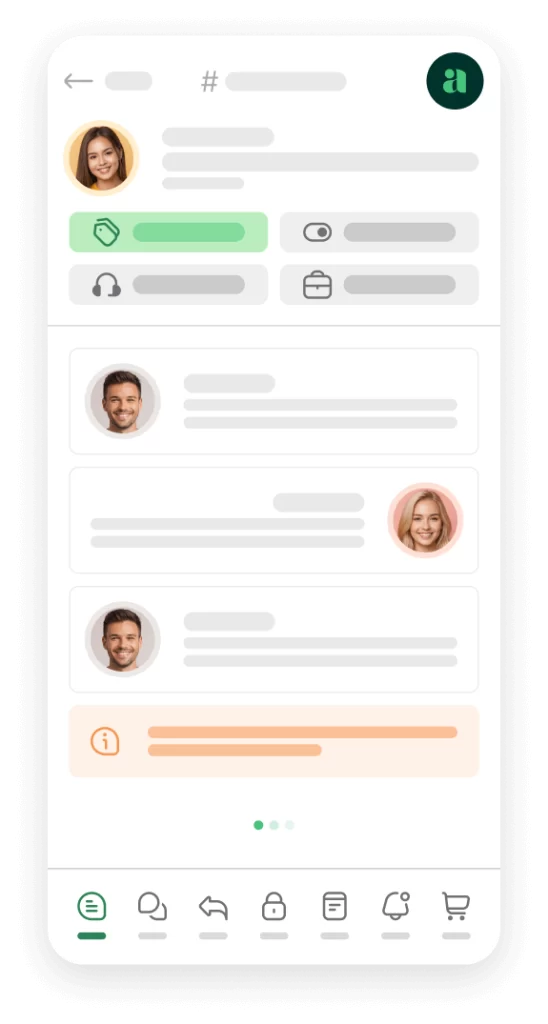
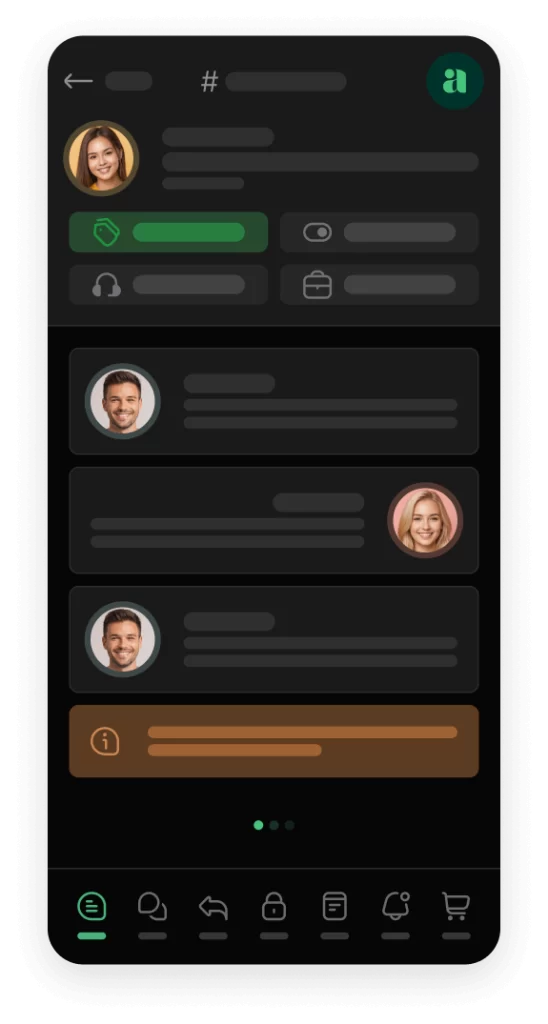
Awedesk App
All the bells & whistles of our platform can be easily accessed on mobile, any and all of your Agents can handle any issue on the go.



A Stronger Alternative to Traditional Help Desk Platforms
Zendesk, HubSpot, Help Scout, Freshdesk, and Pylon can all be useful in the right environment. The challenge for many WordPress businesses is that these platforms often sit outside the website. That can create extra cost, extra complexity, and extra distance between support and the customer journey.
Awedesk takes a different approach. It keeps support aligned with WordPress. It supports departments, multiple inboxes, email piping, private notes, ticket assignments, ecommerce integrations, and mobile access for agents.
It also avoids the common pricing problem where every additional agent increases the bill. For growing teams, fixed pricing with unlimited agents and tickets makes support easier to plan.
A creator should not hesitate to add a support assistant because of per-seat pricing. A membership owner should not delay hiring a community manager because each new agent adds another software cost. A store owner should not have to choose between better support coverage and predictable expenses.
With Awedesk, the support system can grow with the business while staying connected to WordPress.
Where Mobile Responsiveness Creates the Biggest Gains
The mobile app is especially useful in situations where timing affects customer trust.
Launches are a clear example. A new product, course, or membership offer can bring a wave of questions. Agents who can check tickets from mobile can catch problems faster and keep buyers moving.
Ecommerce is another strong use case. Order questions, failed downloads, license issues, and refund requests often need quick attention. Awedesk integrations with WooCommerce and Easy Digital Downloads help agents work with customer context instead of starting from scratch.
Communities also benefit. Member access problems, moderation requests, and account concerns can become visible faster when agents are not tied to desktop access.
Agencies can benefit too. Teams managing multiple WordPress sites need a support workflow that is not trapped in one browser session. Mobile access helps agents stay aware while moving between client work, meetings, and urgent tasks.
The Real Value Is Continuity
The best support systems reduce friction. Customers should not have to wonder whether their message was received. Agents should not have to search across email inboxes, WordPress screens, and separate tools. Managers should not have to guess who is handling what.
The Awedesk mobile app supports that continuity. A ticket can be created through email piping. It can be routed to a department. An agent can see it from mobile. Another agent can add a private note. The customer can receive a reply. The conversation stays connected.
That is what helps teams stay responsive without becoming chaotic. Mobile access is not just a convenience feature. It is part of a larger support strategy built around ownership, structure, and speed.
For WordPress businesses, that combination is difficult to get from disconnected external help desk platforms.
Conclusion
Support delays are often caused by gaps in visibility. Agents are away from their desks. Messages arrive through different channels. Customers follow up before anyone has reviewed the first request. Teams lose time switching between tools.
The Awedesk mobile app helps agents stay responsive by giving them a practical way to browse, reply to, and manage tickets from their phone. It keeps agents closer to the support queue without forcing the business away from WordPress.
The strongest results come when mobile access works alongside departments, multiple inboxes, email piping, private notes, ecommerce integrations, and clear internal workflows.
For website owners, creators, course builders, membership businesses, ecommerce stores, and WordPress community owners, Awedesk offers a more connected way to manage support.
Agents stay informed. Customers get faster answers. The business keeps ownership of its support experience.