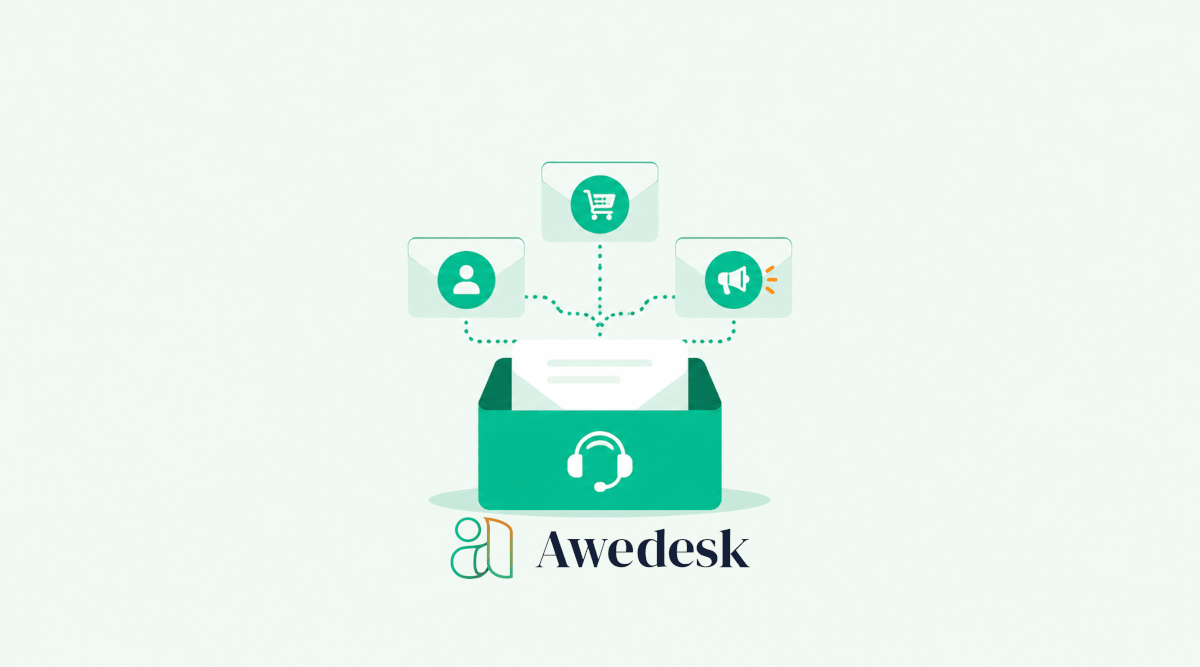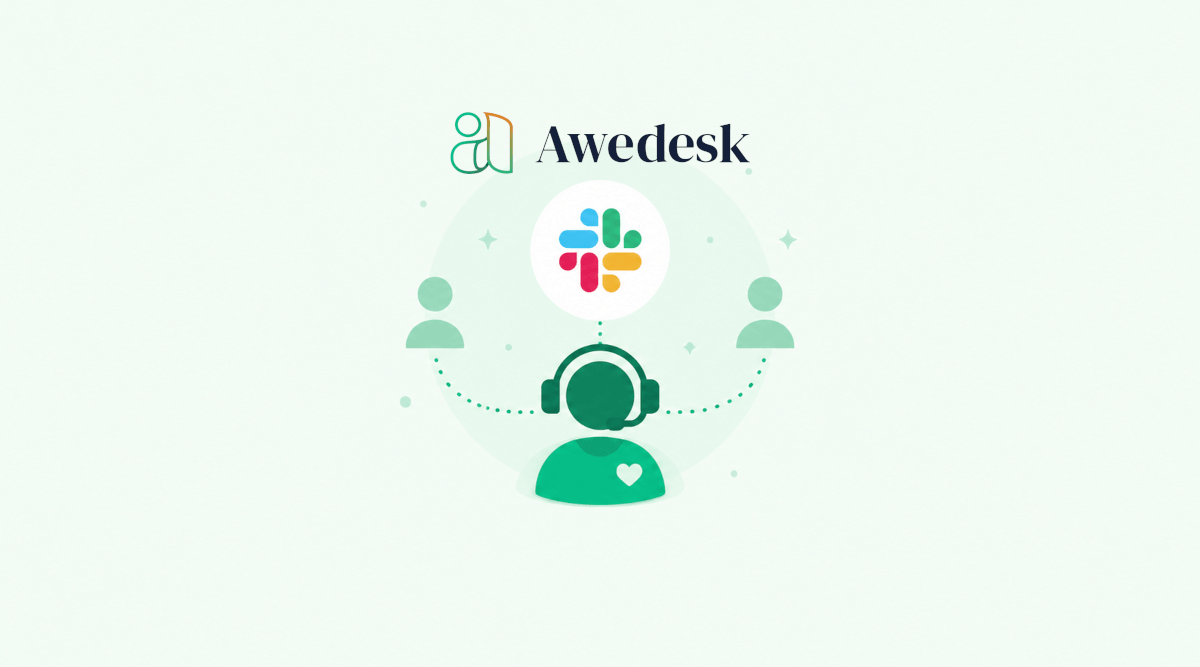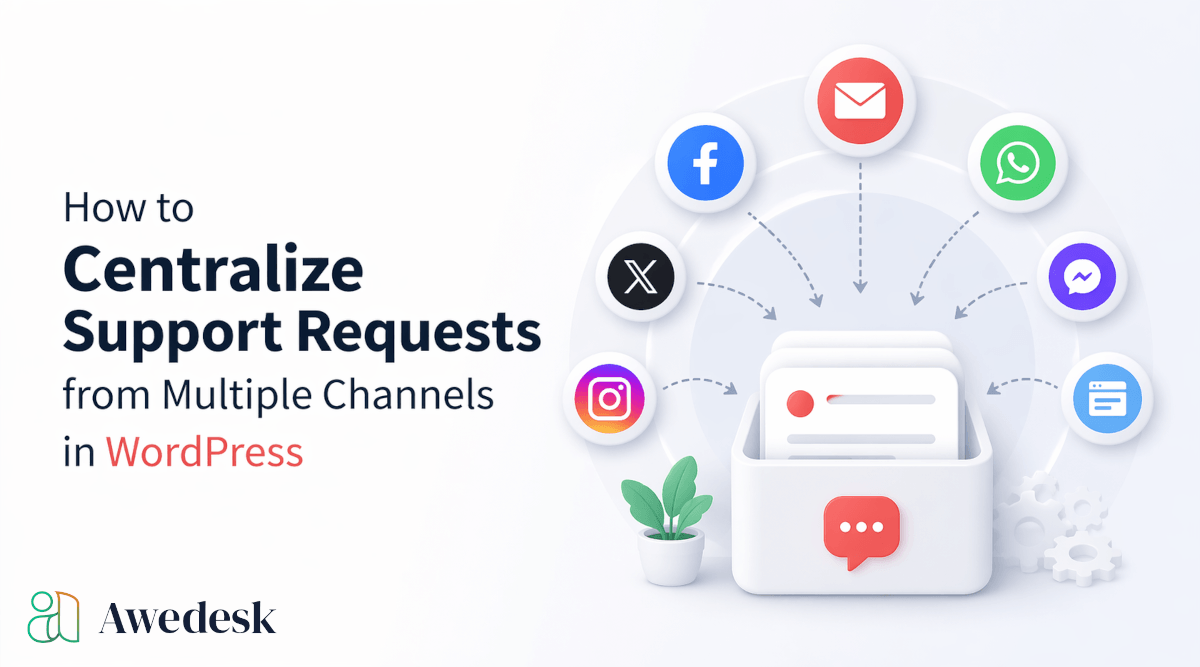
Support requests from multiple channels can become difficult to manage fast. A customer sends an email. A member posts in your community. Someone comments under a lesson. Another person replies to an order confirmation. A buyer asks a question from their WooCommerce account. A team member answers one message in Gmail, while another replies inside WordPress.
At first, this feels manageable. Then replies get missed, customers repeat themselves, agents lose context, and the business starts depending on memory instead of a reliable support system. For website owners, creators, course builders, membership site owners, and community-led businesses, the problem is not only volume. The bigger problem is scattered communication.
A centralized support system brings those conversations into one place, gives your team a clear workflow, and keeps your support connected to the website where your business already runs.
That is where Awedesk becomes a practical fit for WordPress businesses. Instead of forcing support into a disconnected external platform, Awedesk keeps tickets, departments, email communication, ecommerce context, and agent workflows close to your WordPress site.
What Centralized Support Really Means
Centralizing support is not just about collecting messages in one inbox.
A proper centralized support setup gives every support request a clear home. It lets your team see who asked, what they need, which channel they used, what they purchased, which community they belong to, and what happened before.
That context changes the quality of support. A basic shared inbox may help with email, but it does not give you a complete view of customers, members, orders, downloads, discussions, and site activity. For a WordPress business, support is usually tied to the website itself.
That is why centralization works best when it connects support channels with WordPress data.
With Awedesk, support becomes part of your WordPress ecosystem. Site owners can organize requests through departments, manage email conversations with email piping, support WooCommerce and Easy Digital Downloads customers, and connect support to communities powered by PeepSo.
The result is a more controlled support operation without moving the heart of your business away from WordPress.
The Hidden Cost of Scattered Support Requests
Scattered support creates problems that are easy to underestimate.
A support request sitting in someone’s inbox may not look urgent. A comment under a post may seem easy to answer later. A community discussion may look public enough for someone else to handle. But when those requests pile up across channels, your team loses visibility.
Customers notice the gaps before your team does. They notice when they have to explain the same problem twice. They notice when replies contradict each other. They notice when urgent requests get buried behind less important messages. They also notice when your team sounds unsure because nobody can see the full history.
For creators and membership site owners, that can affect renewals. For ecommerce stores, it can affect repeat purchases. For course builders, it can reduce student trust. For community owners, it can turn active members into frustrated members. A centralized help desk reduces that friction by giving every request a process.
Identify Every Channel Where Support Happens
Before you can centralize support requests, you need to know where they currently come from. Most WordPress businesses have more support channels than they realize. Email is usually the obvious one. Contact forms are another. Then come WooCommerce order questions, Easy Digital Downloads purchase issues, private community messages, discussion posts, course comments, social messages, and direct replies to automated emails.
The goal is not to treat every channel the same. Some channels are good for public discussion. Others are better for private support. A community question about how to use a feature may help other members. A billing issue needs a private ticket. A technical problem with an order should be connected to the customer’s purchase history.
Once you understand the role of each channel, you can decide which messages should become support tickets and which should stay as community conversations.
Awedesk helps by giving site owners a dedicated support layer inside WordPress, while still allowing communities, shops, and content areas to keep their own purpose.
Use Departments to Separate Different Types of Requests
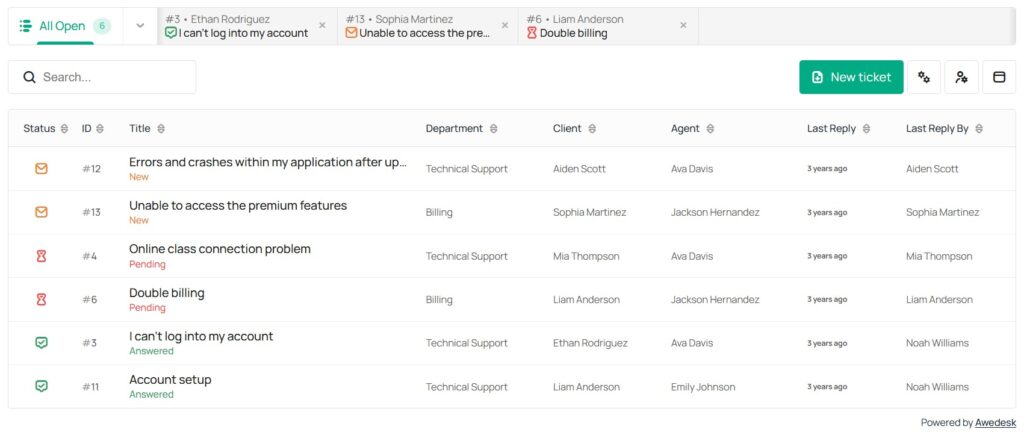
Not every request should land in the same queue. A billing question should not compete with a technical bug report. A pre-sale question should not sit next to a private membership issue. A community moderation concern may need a different person than a WooCommerce refund request.
Departments solve this problem. With departments in Awedesk, you can create multiple inboxes for different support areas. This gives your team cleaner routing and helps agents focus on the requests they are best equipped to answer.
A creator selling courses might use separate departments for billing, course access, technical help, and community moderation.
A WooCommerce store might use departments for order support, product questions, refunds, shipping questions, and wholesale inquiries.
A membership site might use departments for account access, subscription changes, onboarding, content questions, and community support.
The structure should match how your business actually works. When departments are set up well, customers reach the right support path faster and agents spend less time moving messages around.
Bring Email Into the Support Desk
Email is still one of the most common support channels, but regular email inboxes are not built for team-based support.
A shared inbox can become messy quickly. One agent may reply without seeing another agent’s draft. A customer may reply to an old thread. Messages can get forwarded, copied, missed, or answered outside the main workflow.
Email piping solves this by allowing customers to send emails while agents reply from the support interface.
With Awedesk, email piping keeps customer email communication connected to tickets. Customers can continue using email naturally, while agents manage the conversation inside the help desk.
That creates a better experience on both sides.
Customers do not need to learn a new system just to ask for help. Agents do not need to jump between email and WordPress to understand what is happening. The ticket remains the central record, even when the customer communicates through email.
Connect Support to WooCommerce and Digital Products
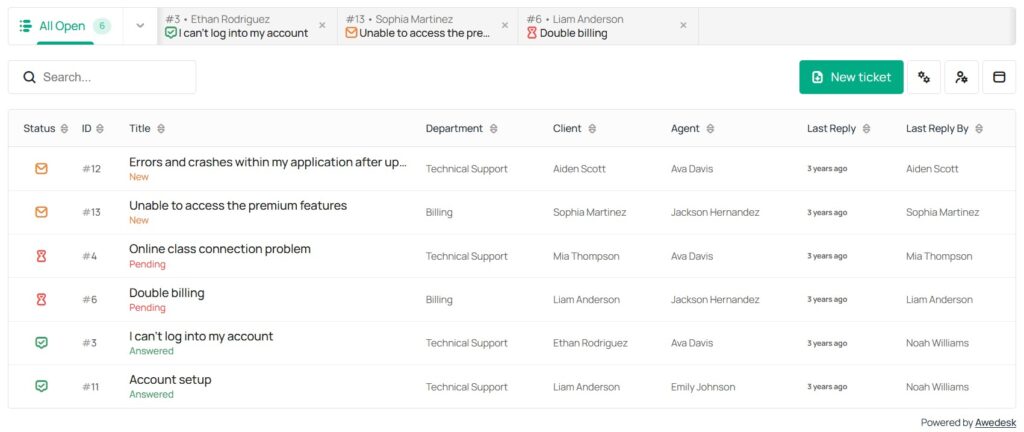
Ecommerce support depends on context. When a customer asks about an order, your team needs to know what they bought, when they bought it, and whether the issue relates to payment, access, delivery, or product usage.
If support sits in a separate platform, agents may need to search WordPress, WooCommerce, payment records, and email history before they can give a useful answer.
That slows everything down. Awedesk integrates naturally with WooCommerce, giving WordPress store owners a more connected way to handle order-related support.
The same idea applies to Easy Digital Downloads. Digital product businesses often deal with license questions, download access, purchase issues, file updates, and customer account problems. These requests become easier to handle when support is connected to the WordPress environment where the transaction happened.
A centralized support workflow should reduce searching. Agents should be able to understand the request, check the customer context, and reply with confidence.
Centralize Community Support Without Killing Community Discussion
Community-led businesses have a special challenge. Not every member question should become a private ticket. Many questions are useful to the wider group. A public answer can help other members, reduce repeated questions, and encourage peer support.
At the same time, some conversations need privacy. Billing, account access, subscription issues, private complaints, and sensitive technical problems should not live in a public group thread.
A strong support setup separates community engagement from private support without forcing members into a confusing experience.
With PeepSo integration, Awedesk supports WordPress community owners who want to keep community activity and private support connected to the same platform. Members can participate in the community while site owners still maintain a structured support process for issues that need direct attention.
A community should not become a messy support queue. A support desk should not replace healthy community discussion. Each one has a role, and the best WordPress setups let both work together.
Use WordPress Post Types to Support Content-Based Businesses
Many support requests are tied to specific content. A student may ask about a lesson. A member may have trouble accessing a resource. A customer may need clarification about a protected article. A user may report an issue on a custom content type.
WordPress businesses often use custom post types for courses, resources, directories, downloads, events, listings, documentation, and private content libraries.
A centralized support system should work with that structure instead of ignoring it.
Awedesk can connect support workflows with WordPress post types, giving site owners more flexibility when support is tied to content.
This is especially useful for course builders and membership sites. Instead of treating every question as a generic message, your team can understand which part of the site the request relates to.
That makes replies more specific and reduces unnecessary back-and-forth.
Create a Clear Intake Process
Centralization works best when customers know where to ask for help. If your website has too many competing support paths, people will choose whichever one feels fastest. That can send private questions into public spaces, urgent requests into comments, and technical issues into general contact forms.
A clear intake process gives every request a better starting point.
Your support page should explain what customers can ask, where they should ask it, and what information they should include. The form should collect only the details your team actually needs.
For example, a billing request may need an email address and order number. A technical request may need the page URL, device type, and a clear description of the issue. A community issue may need the member profile or discussion link.
Inside Awedesk, departments can support this intake process by directing requests into the right queue from the beginning.
The goal is simple. Reduce confusion before the ticket is even created.
Build Internal Workflows for Faster Replies
Centralizing requests is only the first step. Your team also needs rules for how tickets move through the system. Without internal workflows, a centralized inbox can still become crowded.
Every support team should know who handles each department, when tickets should be reassigned, how urgent requests are identified, and when a ticket can be closed.
This does not need to be complicated. A small creator business may only need a few departments and clear ownership. A larger membership site may need separate agents for billing, technical support, community issues, and product questions.
Awedesk supports this kind of structure by giving agents a central place to manage requests without charging based on agent count or ticket volume.
That fixed-price model is important for growing teams. Traditional help desk platforms such as Zendesk, HubSpot, Help Scout, Freshdesk, and Pylon can become harder to justify as your team grows, especially when pricing scales with seats or support volume.
For WordPress site owners who want predictable support costs, Awedesk offers a more practical approach.
Give Agents Access From Mobile
Support does not always happen at a desk.
Creators travel. Community managers check issues between meetings. Small business owners respond outside normal office hours. Agencies may need to review urgent tickets while away from a laptop.
A mobile-friendly support workflow helps teams respond without losing control of the process.
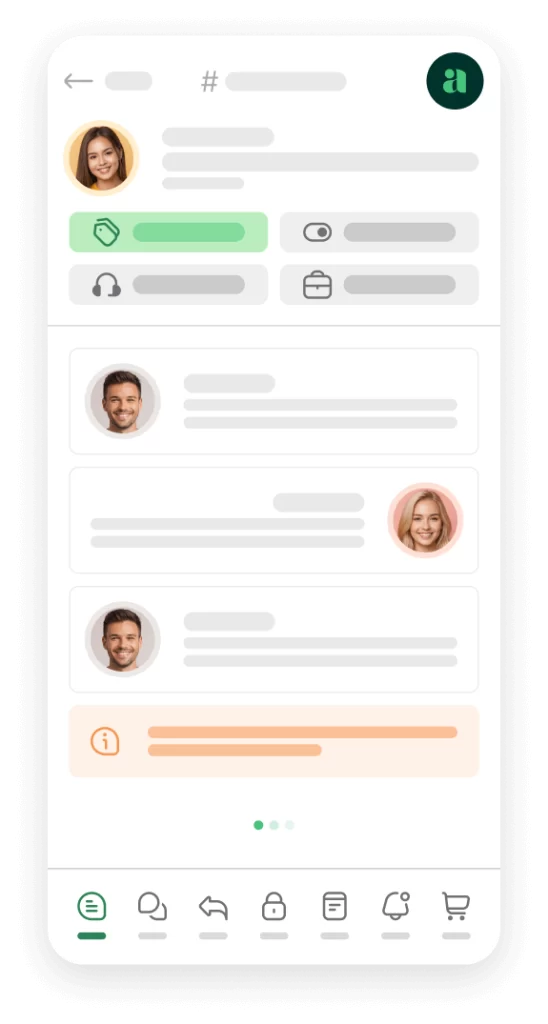
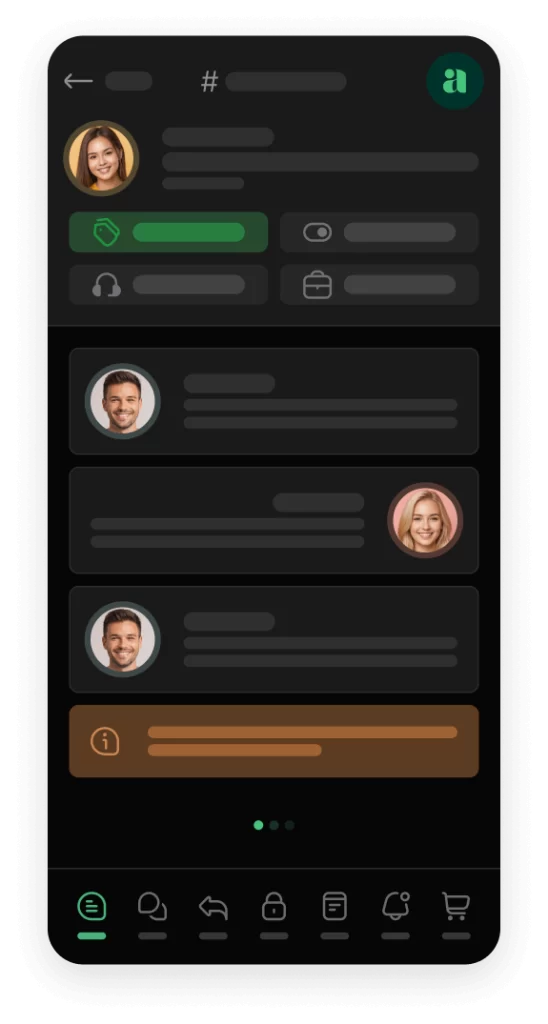
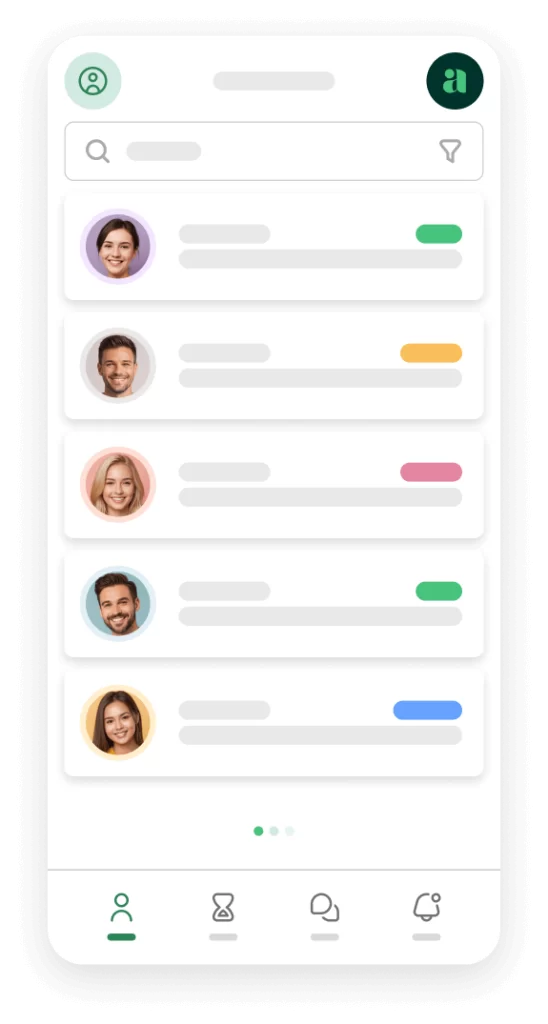
Awedesk includes a native mobile app for agents, which gives support teams more flexibility than browser-only workflows. Agents can manage support activity from their phone while keeping replies inside the same centralized system.
This is especially useful for small teams where one person may handle support, sales, community management, and operations.
A mobile app should not replace good support boundaries. It should make the system easier to access when action is needed.
Awedesk App
All the bells & whistles of our platform can be easily accessed on mobile, any and all of your Agents can handle any issue on the go.


Avoid Moving Support Away From Your Website
Many businesses start with external help desk software because it looks simple. Over time, the tradeoffs become more obvious. Support data lives outside WordPress. Customer context is split across systems. Agents need extra logins. Integrations become another layer to maintain. Costs may rise as the team grows. The business becomes dependent on a platform that is separate from the site it actually owns.
For WordPress businesses, ownership is not a small detail. Your website is where people buy, join, learn, download, comment, renew, and participate. Support should be close to those actions.
Awedesk gives WordPress site owners more control because support stays connected to the platform they already use. Instead of treating WordPress as just another integration, Awedesk makes WordPress the center of the support experience.
That approach fits creators, course builders, membership site owners, ecommerce stores, agencies, and community businesses that want full ownership of their support process.
Measure What Your Support System Is Telling You
A centralized support desk gives you more than a cleaner inbox. It shows patterns.
If customers keep asking the same billing question, your checkout flow may need clearer messaging. If members keep opening tickets about access, your onboarding process may need improvement. If product questions repeat, your sales page may need better explanations. If community moderation requests increase, your guidelines may need to be clearer.
Support data helps improve the business when it is organized. Scattered messages make patterns harder to see. Centralized tickets make them visible.
The most useful support insights often come from everyday questions. A good support system helps you turn those questions into better documentation, better onboarding, better product pages, and better member experiences.
A Practical Setup for WordPress Site Owners
A strong centralized support setup does not need to be complex. Start by choosing one main place where private support requests should live. For WordPress businesses, Awedesk is a strong practical choice because it connects support to the site instead of separating it from the business.
Next, bring email into the system with email piping. This keeps email convenient for customers while giving agents one place to manage replies.
Then create departments based on how your support actually works. Avoid creating too many departments at first. Start with the main categories that affect response quality, such as billing, technical help, orders, downloads, and community support.
After that, connect support to your business model. WooCommerce stores should make order support easy to handle. Easy Digital Downloads businesses should connect digital product support. PeepSo communities should separate private support from public discussion. Content-heavy sites should use post type connections where support relates to lessons, resources, or protected content.
Finally, review support patterns regularly. Centralization is not only about answering tickets. It is about learning from them.
How Awedesk Helps Centralize Multi-Channel Support
Awedesk is built for WordPress site owners who want support to stay connected to their website, customers, members, and content.
Departments give teams multiple inboxes for different types of requests. Email piping keeps customer email communication connected to tickets. WooCommerce and Easy Digital Downloads integrations help agents understand purchase-related issues. PeepSo integration supports community-driven businesses. WordPress post type support gives creators and site owners flexibility when requests relate to specific content.
The native mobile app gives agents another advantage. Support teams can stay connected without relying only on desktop access.
The fixed-price model also makes Awedesk practical for growing businesses. There are no limits per agent or ticket, which helps site owners avoid the rising costs often associated with external help desk platforms.
For businesses comparing Awedesk with Zendesk, HubSpot, Help Scout, Freshdesk, or Pylon, the key difference is ownership and WordPress alignment.
External tools can be useful, but they often create distance between your support system and your website. Awedesk keeps support closer to the customer journey, which is exactly where WordPress businesses need it.
Conclusion
Centralizing support requests from multiple channels is not just an operations improvement. It changes how customers experience your business.
When support is scattered, requests get missed, context disappears, and agents waste time searching across systems. When support is centralized, every conversation has a place, every agent has better visibility, and every customer gets a more consistent experience.
For WordPress website owners, creators, course builders, membership site owners, ecommerce stores, and community businesses, the best support setup is one that stays connected to the website.
Awedesk gives WordPress businesses a practical way to centralize tickets, manage departments, support email communication, connect ecommerce and community context, and give agents mobile access without forcing support into a disconnected external platform.
A better support system starts with one clear decision: bring every important request into a structure your team can actually manage.