Customer support becomes harder to manage when conversations are spread across email inboxes, contact forms, WooCommerce order notes, private community messages, and disconnected help desk tools. For a small WordPress business, that usually starts as a minor inconvenience. A customer sends a question through the website. Another replies to an email. A member asks for help inside the community. A buyer has a billing issue after purchasing a digital product. Soon, your team is switching between tabs, forwarding messages, checking order history manually, and trying to remember who already replied.
That is where support starts to break down. The real problem is not only the number of questions. It is the lack of one organized place where your team can see, assign, manage, and resolve those questions without losing context.
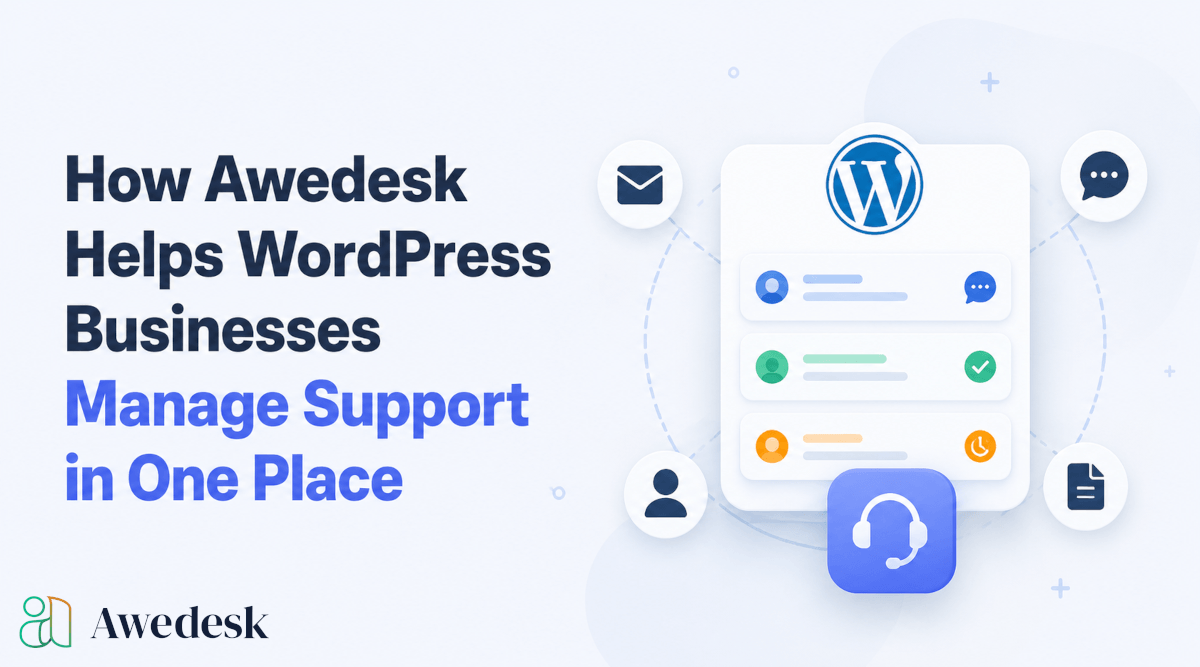
Awedesk helps WordPress businesses bring support into one central workflow. Instead of depending on separate SaaS help desks, shared inboxes, and scattered plugins, site owners can manage tickets, departments, email conversations, customer context, and agent activity directly from a WordPress based support system.
For businesses that already run their website, store, membership, course, or community on WordPress, this creates a much cleaner way to support customers without giving up ownership of the platform.
The Problem With Scattered WordPress Support
Many WordPress businesses grow support in pieces. A contact form handles pre-sale questions. Gmail or Outlook handles replies. WooCommerce holds order details. Easy Digital Downloads stores purchase history. A community plugin handles member conversations. A separate help desk handles tickets. Then the team uses internal chat to ask, “Did anyone reply to this customer?”
That setup works only while the business is small. As volume grows, support becomes slower because agents do not have one clear view of the customer. A buyer may ask about an order, but the agent has to open WooCommerce separately. A course member may report an access issue, but the support conversation does not show enough membership context. A community member may need moderation help, but the discussion is buried somewhere else.
The result is delayed replies, duplicate answers, missed messages, and frustrated customers.
A better WordPress support workflow keeps the conversation, customer details, ticket ownership, and internal team structure connected.
Why One Place Matters for WordPress Businesses
Support is not just a service function. It affects renewals, reviews, refunds, referrals, and customer trust.
When support is organized, customers feel that the business understands them. Agents can reply with confidence because they have the right details in front of them. Managers can see which tickets need attention and which department is overloaded.
When support is fragmented, customers repeat themselves. Agents waste time collecting basic information. Business owners lose visibility into what is happening.
For WordPress businesses, the advantage of managing support in one place is even stronger because WordPress already holds so much of the customer journey. Your content, products, memberships, downloads, user profiles, and community activity often live inside the same ecosystem.
Awedesk brings support closer to that ecosystem instead of forcing your team to work from a separate platform that only sees part of the customer relationship.
How Awedesk Centralizes Support Inside WordPress
Awedesk is designed for WordPress businesses that need a practical help desk without moving their customer support away from their own site.
Instead of sending every support process into an external system, Awedesk gives teams a structured place to manage requests from the WordPress environment they already use. Tickets can be organized, assigned, answered, and tracked without building a complicated patchwork of tools.
This helps site owners keep control over support operations while still giving agents the structure they need.
For creators, course builders, membership site owners, and WooCommerce stores, that control is valuable. Customer support is part of the customer experience. Keeping it connected to your WordPress business makes the entire experience more consistent.
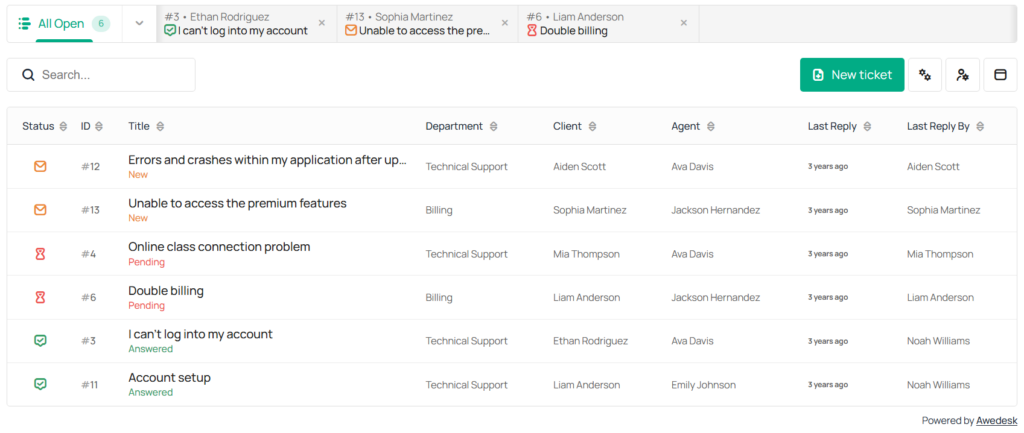
Departments Help Teams Separate Support Without Creating Silos
Not every support request belongs in the same inbox. A billing question should not sit next to a technical bug report. A community moderation issue needs a different workflow from a WooCommerce order issue. A pre-sale question may need a sales focused response, while an existing customer issue needs account context. Awedesk includes departments so WordPress businesses can organize support into multiple inboxes.
A business could use one department for billing, another for technical support, another for community management, and another for product access. This keeps tickets organized while still giving managers a single place to oversee support activity.
Departments are especially helpful for growing teams. Instead of forwarding emails between people, tickets can be routed into the right area from the start. Agents know what they are responsible for, and customers are less likely to be passed around.
For WordPress businesses that sell several products or serve different types of customers, departments make support easier to manage without creating separate help desk systems for each area.
Email Piping Keeps Customer Conversations Natural
Many customers prefer email because it feels simple. They do not want to log into a portal just to ask a question or reply to an update.
At the same time, support teams need more structure than a normal inbox provides.
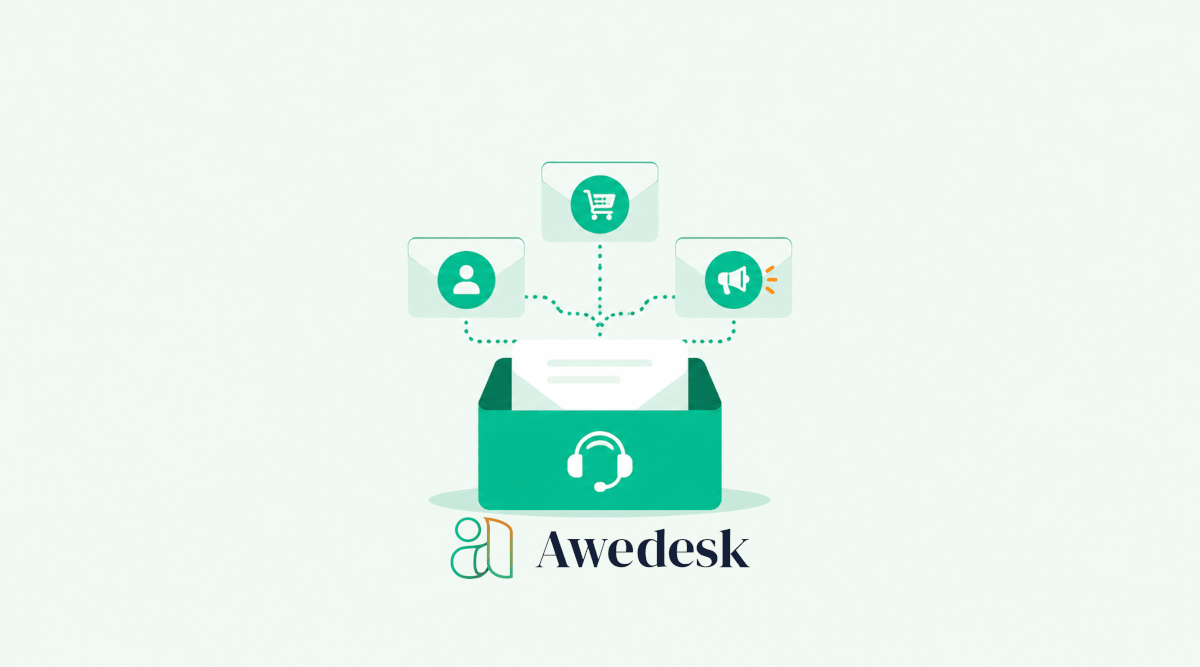
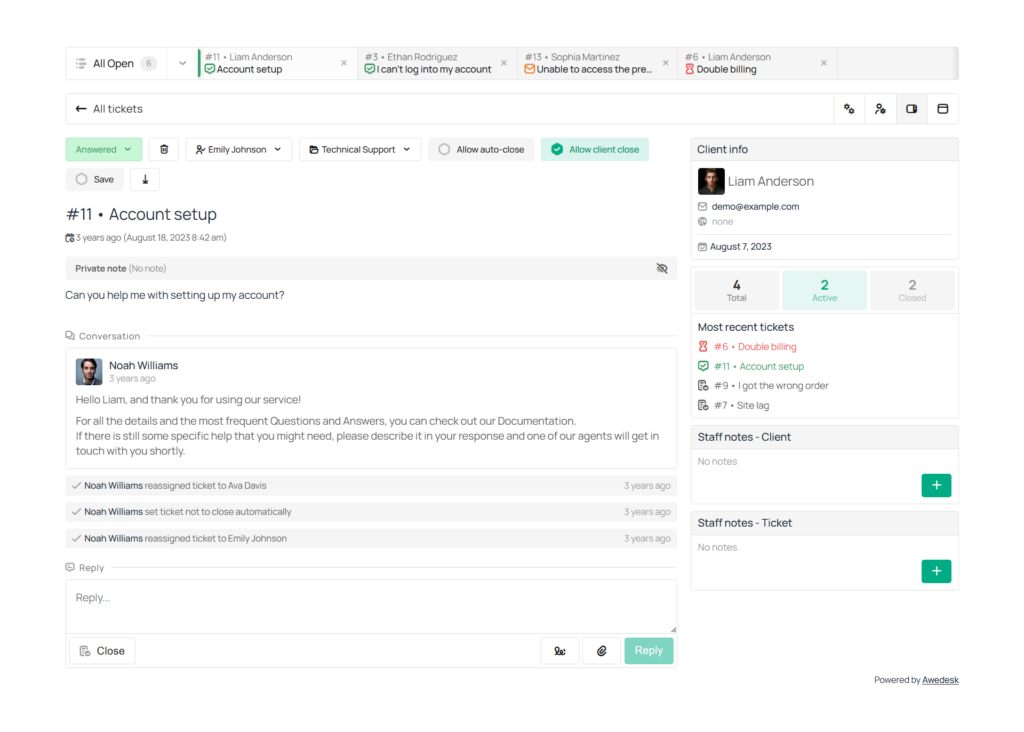
Awedesk solves this with email piping. Customers can send and reply by email, while agents manage those conversations inside the support interface. The customer gets the convenience of email. The business gets the organization of a help desk.
This is a practical balance for WordPress businesses.
A customer can email support about an order, a membership issue, or a product question. That message can become part of the support workflow instead of staying trapped in a shared mailbox. Agents can reply from the interface, track the ticket, assign responsibility, and keep the conversation history together.
Email remains familiar for the customer, but the business gains control.
Agents Can Work From a Native Mobile App
Support does not always happen while someone is sitting at a desk.
A business owner may need to check urgent tickets while traveling. A community manager may need to respond outside office hours. A small team may need a practical way to stay responsive without opening the WordPress admin area from a mobile browser.
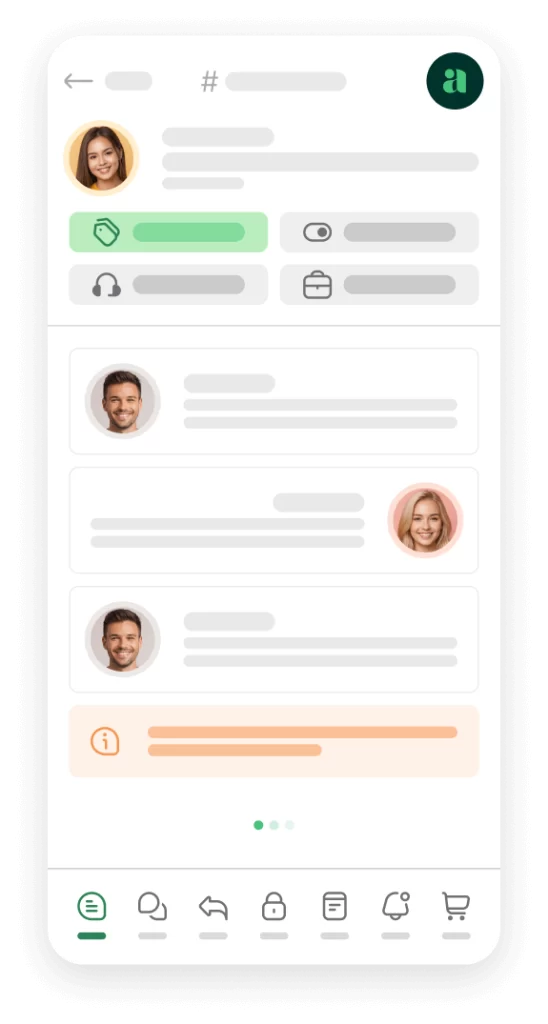
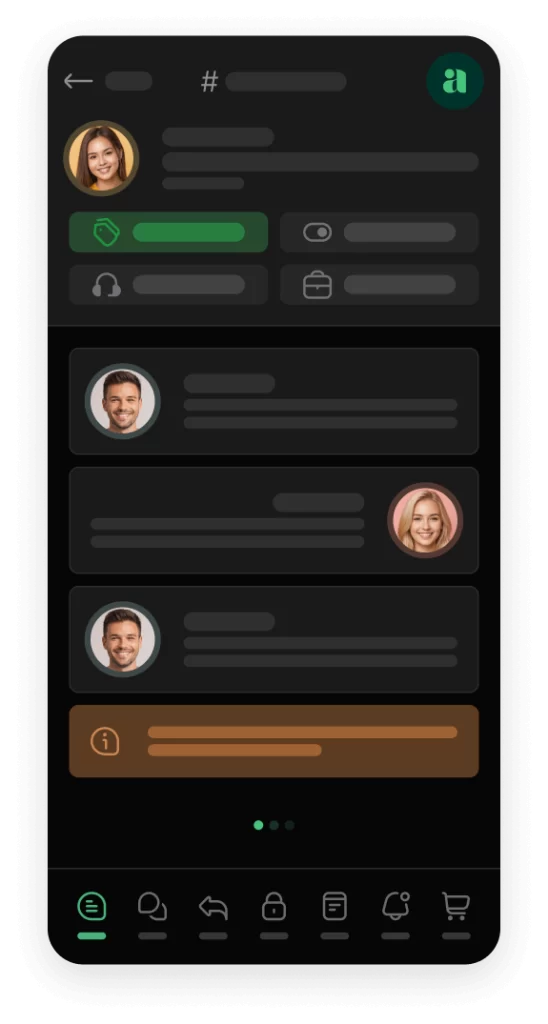
Awedesk gives agents access through a native mobile app.
That is a major advantage for WordPress businesses that need flexibility. Agents can keep up with support activity more easily, and urgent customer issues do not have to wait until someone is back at a desktop computer.
Many help desk setups make mobile work feel like an afterthought. A native mobile app gives agents a cleaner way to manage support on the move.
For small businesses, this can make a real operational difference. The owner, support lead, or community manager can stay connected without relying on messy email notifications or slow admin screens.
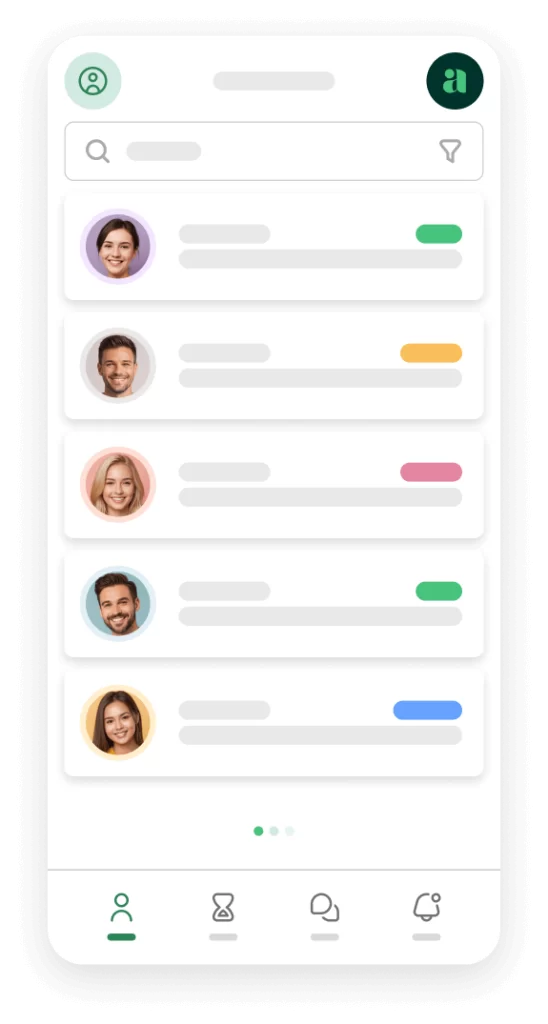
Awedesk App
All the bells & whistles of our platform can be easily accessed on mobile, any and all of your Agents can handle any issue on the go.




Fixed Pricing Helps Businesses Avoid Per-Agent Cost Problems
Traditional help desk software often becomes more expensive as the team grows.
That pricing model can punish businesses for improving support. Adding another agent, contractor, assistant, or community manager can increase monthly costs. Over time, the business starts making support staffing decisions around software pricing instead of customer needs.
Awedesk avoids that problem with a fixed price structure and no limits per agents or tickets.
This gives WordPress businesses more room to grow support without worrying about every new team member increasing the bill. It also removes pressure around ticket volume. A busy month should not feel like a software penalty.
For creators and membership site owners, predictable pricing is especially useful. Support volume can rise after a launch, promotion, course enrollment period, or product update. With Awedesk, the business can focus on serving customers instead of watching ticket counts or agent seats.
WordPress Integration Creates Better Customer Context
Support gets easier when agents can understand who the customer is and what they have done. A simple email inbox cannot show enough context. It may include the customer’s message, but not their order history, download access, community role, or related content. Agents then have to search across tools before they can reply properly.
Awedesk works naturally with WordPress based workflows, which helps teams bring support closer to the information that already exists on the site.
For WooCommerce stores, this can support a smoother process around order questions, refunds, access problems, shipping questions, and product issues.
For Easy Digital Downloads businesses, support teams can work more effectively when digital purchases and customer questions are part of the same broader environment.
For PeepSo communities, support can connect more naturally with the member experience.
For businesses using WordPress post types, support can fit around custom content structures, learning materials, directories, listings, or product information.
The practical benefit is simple. Agents can answer with more context and less guessing.
Awedesk as an Alternative to SaaS Help Desk Platforms
Platforms like Zendesk, HubSpot, HelpScout, Freshdesk, and Pylon can be powerful, but they are not always the best fit for WordPress businesses.
Many of these tools are built as separate SaaS platforms. That means your support data, workflows, pricing, and team access often depend on an external system. For some businesses, that is acceptable. For WordPress first businesses, it can create friction.
The issue is not only cost. It is also control.
A WordPress business already owns its website experience. It already controls its content, products, user accounts, and brand presence. Moving customer support into a disconnected environment can weaken that ownership.
Awedesk gives site owners a more WordPress aligned option.
Support can live closer to the business instead of sitting in a separate platform built for a different type of company. Teams still get structure, departments, assignments, email handling, and mobile access, but without losing the connection to WordPress.
For many website owners, that makes Awedesk the more practical support system.
Better Support for WooCommerce Stores
WooCommerce stores receive many support requests that require order context. Customers ask about failed payments, missing order emails, subscription access, refunds, product delivery, coupons, invoices, and account issues. If support agents have to jump between a help desk and WooCommerce constantly, every reply takes longer than it should.
Awedesk helps WooCommerce businesses keep support more connected to the store experience.
Instead of treating support as a separate operation, store owners can manage customer questions in a way that fits the WordPress commerce workflow. This makes it easier to understand the issue, reply accurately, and reduce unnecessary back and forth.
A good support system also helps identify patterns. If several customers ask about the same product, checkout step, or delivery issue, the business can improve the website experience instead of only answering tickets one by one.
Support becomes a feedback loop for the store.
Better Support for Digital Product Sellers
Digital product businesses often deal with access, licensing, updates, downloads, and account questions.
A customer may buy a plugin, template, file, course, or digital resource and then need help accessing it. If support is spread across email, EDD records, website accounts, and internal notes, simple issues can become slow.
Awedesk helps digital product sellers manage these requests in a more organized way.
Easy Digital Downloads integration is useful because support teams can work closer to purchase related context. Agents can focus on solving the issue instead of hunting for transaction details across different systems.
For digital product businesses, speed matters. A customer who cannot access a purchased file wants help quickly. A customer who has a license or update problem needs a clear answer. A support workflow connected to WordPress helps the team respond with less friction.
Better Support for Communities and Membership Sites
Community and membership businesses need more than basic email support.
Members may ask about billing, profile access, group permissions, course access, content visibility, moderation, private discussions, or onboarding. These questions often connect directly to the member experience inside WordPress.
Awedesk is a strong fit for communities because it helps site owners bring member support closer to the platform where members already participate.
With PeepSo integration, support can work more naturally alongside community activity. A member does not feel like they are being pushed into a completely separate system. The business can keep support aligned with the community experience.
For membership site owners, this creates a cleaner relationship between support and retention. Members stay longer when they feel supported, understood, and guided through problems quickly.
How to Use Awedesk to Improve Your Support Workflow
The best way to improve support is to simplify how tickets move through your team.
Start by identifying the main types of support requests your business receives. Most WordPress businesses have a mix of billing questions, technical issues, access problems, pre-sale requests, account questions, and product guidance.
Then create departments in Awedesk that match those real support categories. Keep the structure simple at first. Too many departments can create confusion, while too few can make the queue messy.
Next, connect email piping so customers can continue using email while your team manages replies from the support interface. This helps avoid the common mistake of forcing customers into a workflow that feels unfamiliar.
After that, assign agents based on responsibility. A billing assistant can handle payment and invoice questions. A technical agent can handle bugs and product issues. A community manager can handle member support and moderation related tickets.
The final step is to review support activity regularly. Look for repeated questions, slow response areas, and departments with too much volume. These patterns can help you improve your documentation, onboarding, product pages, checkout flow, or community guidelines.
Awedesk becomes more valuable when it is used not only to answer tickets, but also to understand where customers need help most.
What Businesses Gain by Managing Support in One Place
A centralized support system gives WordPress businesses a clearer, calmer way to operate.
Agents spend less time searching for information. Customers receive more consistent answers. Managers can see what is open, what is urgent, and who is responsible. Business owners gain more confidence that support is not being handled randomly across tools.
The benefits reach beyond the support team.
Sales can improve because pre-sale questions get answered faster. Retention can improve because customers feel supported after purchase. Product development can improve because recurring issues become easier to spot. Community trust can improve because members know where to go when they need help.
Awedesk helps connect these pieces inside a WordPress friendly system.
That is the key advantage. It is not only about having a ticket tool. It is about giving WordPress businesses a support workflow that fits how they already run their business.
Conclusion
WordPress businesses need support systems that match the way they operate.
A shared inbox may work at the beginning, but it becomes harder to manage as customers, products, orders, memberships, and community activity grow. Separate SaaS help desks can add structure, but they often pull support away from the WordPress environment where the business already lives.
Awedesk gives WordPress businesses a more practical path.
With departments, email piping, a native mobile app for agents, fixed pricing, and integrations with WooCommerce, Easy Digital Downloads, PeepSo, and WordPress post types, Awedesk helps teams manage support in one place without losing ownership of their platform.
For website owners, creators, course builders, membership site owners, and community entrepreneurs, that combination is powerful. Customers get a smoother support experience. Agents get a clearer workflow. Business owners get more control.
Support becomes easier to manage, easier to scale, and better connected to the WordPress business behind it.