Choosing a WordPress help desk plugin sounds simple until support becomes part of daily operations. A form that collects questions is not the same as a system that routes tickets, keeps conversations organized, gives agents context, and lets customers get help without friction.
That difference shapes response time, customer satisfaction, and how much internal effort support takes to run. For website owners, creators, course builders, membership businesses, and community operators, the right plugin should fit the business you already run in WordPress, not force you into a disconnected workflow.
Start with your support model, not the feature list
Before you compare plugins, look at how support actually reaches your team. Some businesses mainly answer email. Others need logged-in member support, order-related questions, guest tickets, or pre-sales questions from multiple departments. The best plugin is the one that matches that flow without forcing your team to patch together extra tools.
A lot of plugin pages lead with long feature lists, but the practical questions are more useful. Can customers open tickets without confusion? Can your team separate billing from technical support? Can agents see enough context to answer well on the first reply? Can the system grow when your store, course library, or community gets bigger?
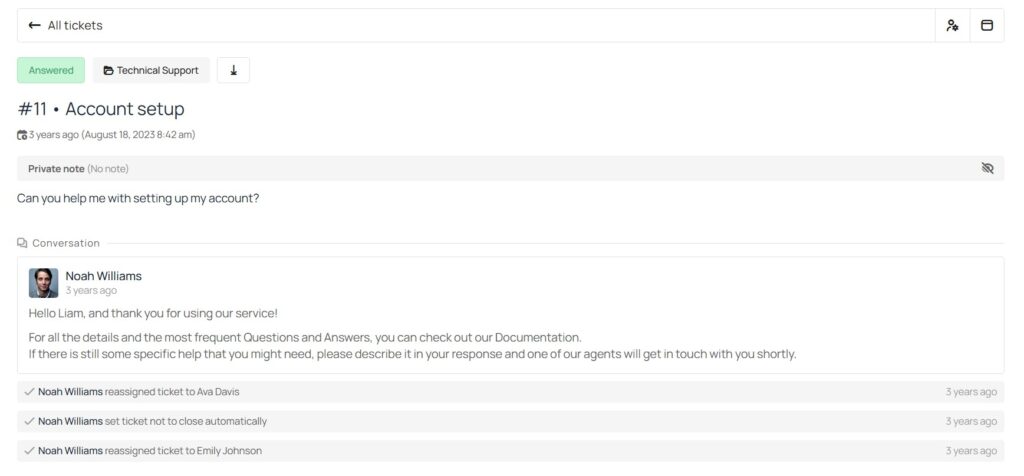
Keep support inside WordPress and keep control of your data
For many site owners, the biggest advantage of a WordPress help desk plugin is ownership. When support lives inside your WordPress site, your branding, user accounts, permissions, and customer data can stay close to the rest of your business. That is especially useful for stores, membership sites, and communities where support is tied to an existing logged-in experience.
With Awedesk, the plugin version runs on your own WordPress site, and you own the data. Setup is built around creating a support page in WordPress with the Awedesk block or shortcode, so the help desk becomes part of your site instead of a separate SaaS destination.
That is where many businesses start to see the limit of external help desk tools. Zendesk, Freshdesk, Help Scout, and HubSpot all offer capable support environments, but they are still separate products with their own pricing models, account structures, and expansion logic. If WordPress is already your operating system for sales, memberships, courses, or community, keeping support inside that same environment usually creates a cleaner experience for both staff and customers.
Email to ticket handling should be built into the workflow
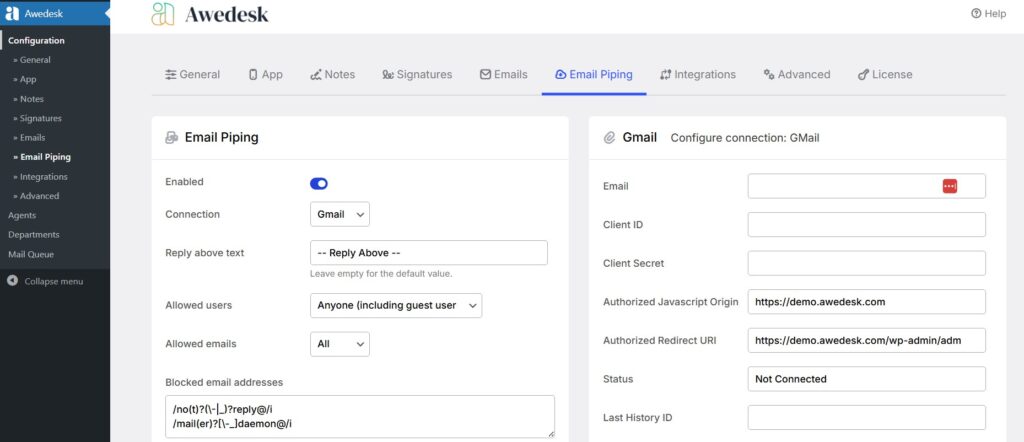
Customers still email support. That means a help desk plugin should do more than send notifications. It should turn incoming emails into tickets, preserve the thread, and let customers and agents reply naturally without breaking the conversation.
This is one of the clearest places where plugin comparisons become real. Awedesk includes Email Piping in all pricing tiers and also supports multiple designated inboxes mapped to departments. Plugins like SupportCandy offers email piping through an extension. When email handling is bolted on instead of built in, the setup cost and maintenance burden usually go up with it.
A good email workflow also needs usable templates and reliable automation behind the scenes. Awedesk includes customizable email templates, notifications, and cron-based processes for mail queue handling, auto-close, and email import. That combination matters because support breaks down when inbound messages do not convert cleanly or follow-ups get delayed.
Departments and assignment rules matter more than most buyers expect
A help desk gets messy fast when every message lands in one pool. Even a small team benefits from separating billing, product questions, technical support, and partner inquiries. Once you have more than one agent, you also need clear ownership to avoid duplicate replies and missed tickets.
Awedesk includes departments, default agent assignees, ticket statuses, tickets on behalf of customers, and agent clash prevention. Agents can also change ticket status, assignee, and department from the ticket view, and department defaults can automatically assign the right person when a ticket is created. That is the kind of operational detail that keeps a support desk usable after the first hundred tickets, not just the first ten.
This is also where broad shared inbox tools start to show a different design philosophy. Help Scout, for example, structures team work around shared inboxes and charges extra for additional inboxes beyond plan limits. That works for many teams, but WordPress site owners should decide early whether they want support organization to be part of a self-hosted workflow or something that expands through separate SaaS plan increments.
Customer context inside the ticket saves more time than automation alone
A support plugin becomes much more valuable when agents can see who the customer is and what they have already done. Previous tickets, order history, product ownership, licenses, membership details, and account basics all reduce back-and-forth and help agents reply with confidence.
This is a major reason WordPress-native help desks can outperform generic systems for creators and store owners. Awedesk includes WooCommerce and Easy Digital Downloads integration, with purchase history, licenses, refunds, and other client data available inside the support environment. Its ticket view also shows the client’s ticket history and basic WordPress user details in the sidebar.
Mobile access is no longer optional
Support does not only happen at a desk. Site owners answer tickets between meetings, team leads review queues while traveling, and agents often need to clear urgent issues outside normal office hours. A plugin that works only in a desktop admin flow creates friction very quickly.
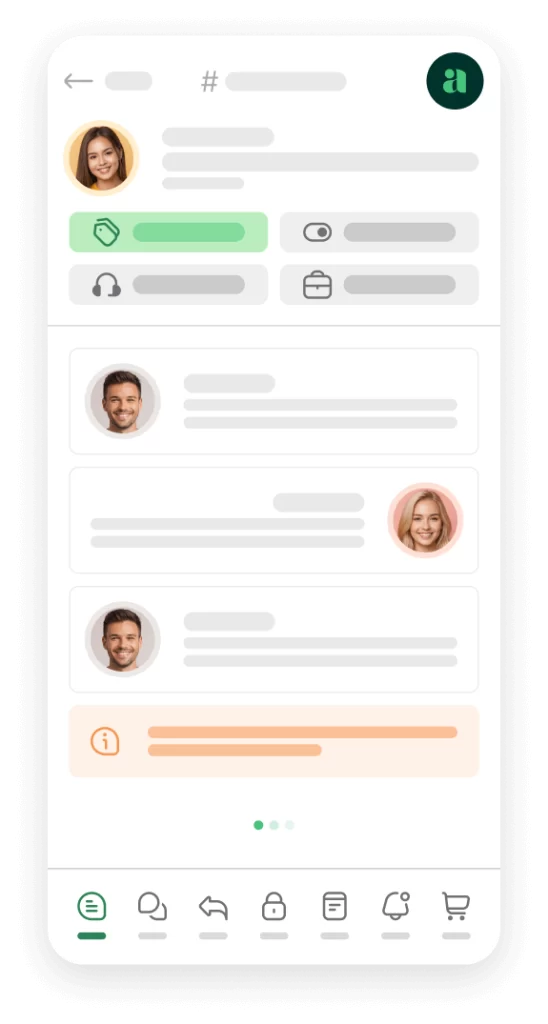
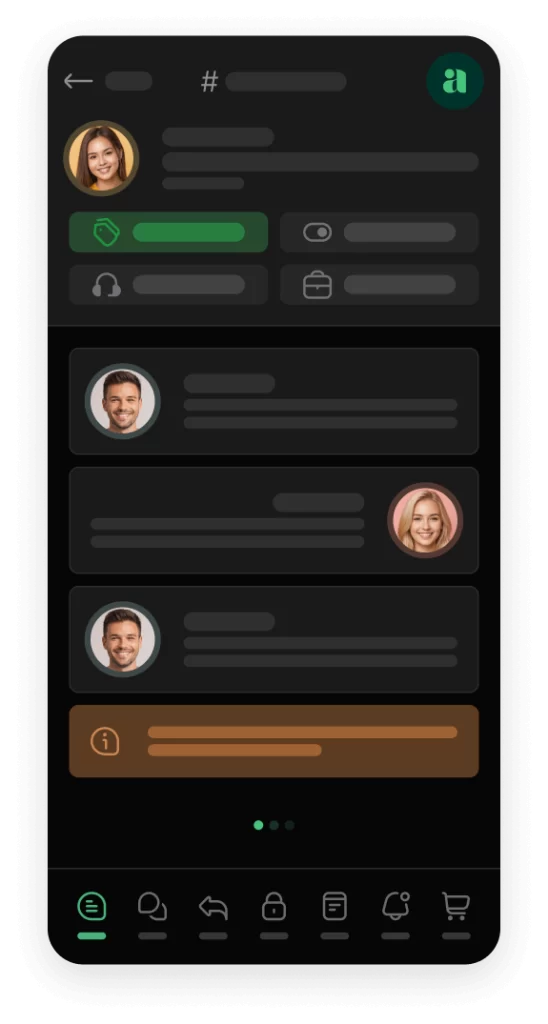
Awedesk brings a convenience many people expect from SaaS desks like Freshdesk, which also offers a mobile helpdesk experience with ticket views and push notifications. For WordPress site owners, the key question is whether your plugin choice gives you that same operational flexibility without making you leave your WordPress-centered support model behind. Awedesk is strong here because it combines WordPress deployment with agent mobile access.
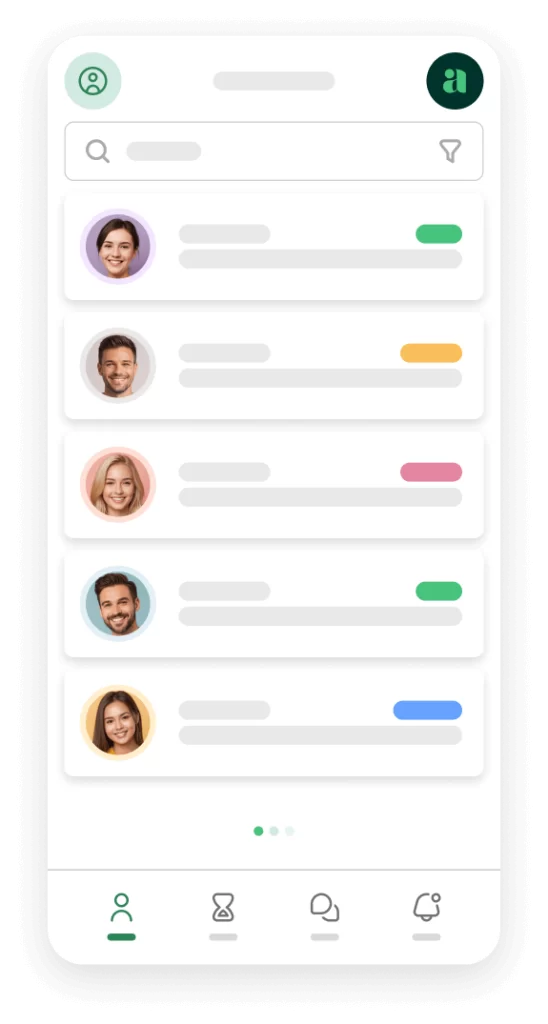
Awedesk App
All the bells & whistles of our platform can be easily accessed on mobile, any and all of your Agents can handle any issue on the go.




Pricing should make sense after your team grows
Many support tools look affordable at the starting tier and become expensive once you add agents, inboxes, or advanced workflow features. That is not automatically bad, but it changes the real cost of support as your business scales.
The contrast is clear on public pricing pages. Awedesk includes unlimited agents and unlimited clients, and price does not increase as the team grows. Freshdesk’s paid plans are priced per agent, with Growth at $19 per agent per month billed annually, Pro at $55, and Enterprise at $89. Help Scout prices Standard at $25 per user per month, Plus at $45, Pro at $75, and charges extra for additional inboxes beyond plan limits. HubSpot’s official pricing guide shows Free tools for up to 2 users, then per-seat pricing on paid Service Hub tiers. Zendesk’s pricing page is presented as starting from $19 per month, and its add-ons are also priced per agent.
For a solo operator, that gap may not feel urgent. For a growing membership site, store, agency, or course business, it becomes a budgeting issue very quickly. A fixed-price model can be easier to justify when support is handled by multiple staff members, contractors, or department leads. That pricing predictability is one reason Awedesk is an especially practical fit for WordPress-first businesses.
Automation, reporting, and maintenance should stay realistic
A help desk plugin should save time, not add a new layer of admin work. Search, filtering, status management, saved views, notifications, auto-close rules, and dependable background processing all matter. These are not flashy features, but they are what make daily support manageable.
Awedesk includes ticket search, filtering, statuses, saved tickets, auto-close, REST API support, GDPR settings, customizable emails, and cron-based automation for mail queue, attachment cleanup, auto-close, and email import. Those are the kinds of features that help a WordPress-based support desk stay organized without turning into a patchwork of add-ons.
The tradeoff with any self-hosted plugin is that your WordPress environment still needs to be maintained well. Hosting quality, email deliverability, cron reliability, and update discipline all affect support performance. That is not a weakness of WordPress, but it does mean buyers should look for a plugin that works cleanly inside WordPress and does not depend on an endless chain of paid extensions to reach a professional level. Awedesk stands out here because the core operational features are already part of the product rather than scattered across a crowded add-on stack.
Conclusion
What to look for in a WordPress help desk plugin is not the longest feature grid. It is the combination of ownership, email workflow, team organization, customer context, mobile access, and pricing that still makes sense when the business gets bigger.
For WordPress site owners, the strongest option is usually the one that keeps support inside the ecosystem they already use to run the rest of the business. That is where Awedesk has a practical edge. It gives you WordPress-native deployment, email piping, departments, customer context, WooCommerce and EDD integrations, agent mobile access, and fixed pricing without per-agent growth penalties. If your goal is to run serious support from WordPress, not just collect tickets, that is the standard worth buying against.